

Key Takeaways
- Medical billing is a 10-step cycle that converts a patient visit into a paid claim.
- Each step has its own jargon (EOB, ERA, COB, AR). Small mistakes at step 2 can cost you 30 days of cashflow at step 10.
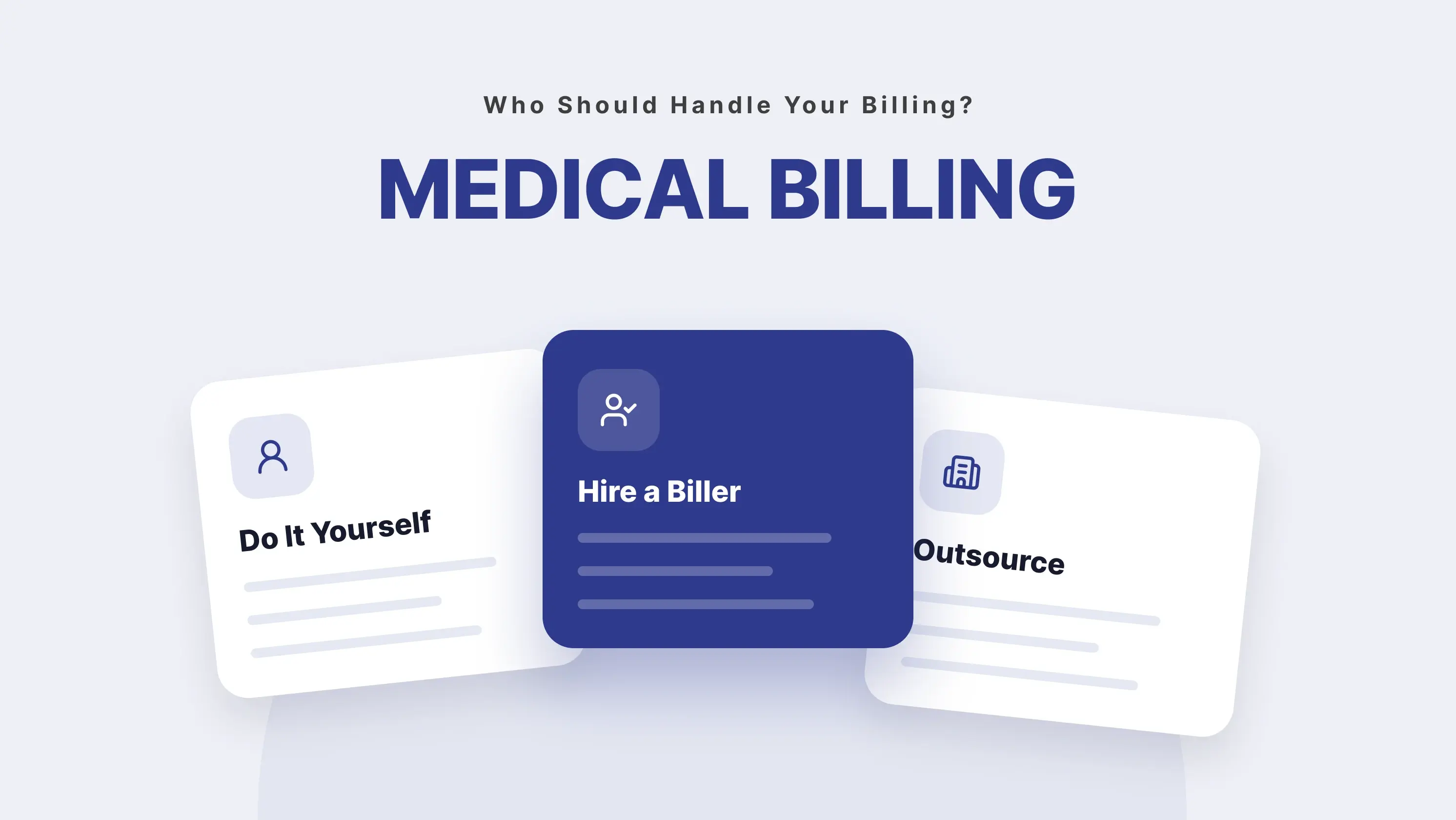
- Independent practices have three real options: run billing in-house, hire a biller, or outsource. The right choice depends on your claim volume, not on vendor pitches.
If you own or run an independent practice, medical billing is how a patient visit turns into money in your bank account. It is the quiet machine behind every clean payment and every unpaid claim sitting in A/R for 90 days.
This guide walks that machine step by step, from the moment a patient books an appointment to the day the last dollar lands. It is written for practice owners, office managers, and providers, not for people studying to become billers.
If a career in billing is what brought you here, AAPC has a solid starting point. If you want to understand how billing actually affects your cashflow, keep reading.
How Medical Billing Works?
Medical billing turns a patient visit into a claim, sending that claim to the insurance company, and collecting payment from both the insurer and the patient for the services provided.
It exists because of a simple gap. The provider does the work. The insurance company holds the money. The patient usually owes a share. Something has to connect all three. That something is billing.
In an independent practice, billing usually touches four people:
- The front desk, who captures insurance details and verifies coverage.
- The provider, whose documentation decides what can be billed.
- The biller (in-house or outsourced), who codes the visit and sends the claim.
- The patient, who owes the copay, deductible, or remaining balance.
Miss any one of these and payments slow down.
Medical billing vs. Medical coding
These two get mixed up all the time. They are not the same job.
A medical coder reads the provider’s notes and translates the visit into standard codes (CPT codes for what was done, ICD-10 codes for why). A medical biller takes those codes, builds the claim, sends it to the payer, and chases the money until it arrives.
In many small practices, one person does both. That works at low volume. Above about 4,000 claims a year, it usually does not.
Medical Billing vs. Revenue Cycle Management
Billing is the claim workflow. Revenue Cycle Management (RCM) is the whole financial cycle, from scheduling to collections.
Think of it this way: billing is one job inside RCM. RCM also covers eligibility checks, patient estimates, denial management, A/R follow-up, reporting, and patient collections. If you are only focused on “did the claim go out and get paid,” you are doing billing. If you are watching how fast cash moves from appointment booking to deposit, you are doing RCM.
The two words get mixed up because at a small practice, the same person often does both. For a deeper look at RCM, see our Revenue Cycle Management guide.
The Medical Billing Cycle: 10 Steps From Visit to Payment
Here is the full path a claim walks. Every independent practice runs through these 10 steps, whether they realize it or not.
1. Patient registration and scheduling
Everything starts here. The front desk captures the patient’s name, date of birth, address, phone, insurance carrier, member ID, group number, and reason for the visit.
A typo in step 1 can cause a denial 30 days later. If the name on file does not match the insurance card exactly, the payer can reject the claim for “patient identification mismatch.” This is the single most preventable denial in the business.
2. Eligibility verification
Before the visit, someone confirms the patient’s insurance is active and covers the service. This is done through a 270 request sent to the payer, who returns a 271 response.
What to check:
- Is the policy active on the date of service?
- What is the copay, deductible, and coinsurance?
- Does the plan require a referral or prior authorization?
Running this 48 hours before the visit (not the morning of) gives your team time to fix problems. See how eligibility verification is done step-by-step.
3. The encounter and clinical documentation
The provider sees the patient and documents what happened. The note has to support whatever code gets billed. “Patient seen for follow-up” is not enough. Payers want specifics: history, exam findings, diagnosis, plan, time spent.
Weak documentation is a quiet killer. It does not cause an immediate denial. It causes an audit three years later, and clawbacks.
4. Medical coding
A coder reads the note and assigns CPT codes (what was done), ICD-10 codes (why it was done), and modifiers where needed.
Modifier (in medical billing) is a two-character code added to a CPT code to give the payer more context. For example, modifier 25 says “this E&M visit was separate from the procedure done the same day.” Wrong modifiers cause denials. Missing modifiers cause underpayments.
5. Charge capture and claim creation
The codes get attached to charges and built into a claim file. Most independent practices use an EHR or billing software to do this. The claim file holds the patient’s info, the provider’s info, the codes, the diagnosis, and the charges.
Itemized bill (in medical billing) is a detailed list of every service, code, and charge from a visit. Patients often ask for one when they get a statement they do not recognize.
6. Claim scrubbing and submission
Before the claim leaves your practice, a scrubber checks it for errors. Missing fields, bad codes, impossible combinations. If it passes, it goes out electronically to the payer or to a clearinghouse.
A few terms that matter here:
Clean claim (in medical billing): a claim that has no errors and gets accepted by the payer on the first pass. A 95%+ clean claim rate is the goal for an independent practice.
EDI (in medical billing): Electronic Data Interchange. The standard format claims use to travel between your practice, the clearinghouse, and the payer. The claim format is called 837. The payer response is called 835.
Entity code (in medical billing): a code that tells the payer who someone is, patient, provider, subscriber, payer. An “invalid entity code” rejection usually means a field is mapped to the wrong person.
ABN (Advance Beneficiary Notice): a form Medicare patients sign when a service might not be covered. It tells them they may owe the full cost. If you miss the ABN before a non-covered service, you cannot bill the patient later.
7. Payer adjudication
The payer processes the claim. They decide: approved in full, approved in part, or denied. This usually takes 15 to 45 days.
Two terms matter here:
COB (Coordination of Benefits): the rule that decides which insurance pays first when a patient has more than one plan. COB errors (billing secondary before primary) cause instant denials.
Assignment of benefits: a signed document where the patient agrees to let the payer send the payment directly to you instead of to them. Without it, you have to collect from the patient after the payer pays them.
8. ERA, EOB, and payment posting
When the payer processes the claim, they send back two documents and a payment.
ERA (Electronic Remittance Advice): an electronic file (format 835) that tells you how the claim was processed, line by line. Your software uses it to post payments automatically.
EOB (Explanation of Benefits): the paper or PDF version of the same thing, sent to the patient and sometimes the provider. It shows what the payer paid, what was adjusted, and what the patient owes.
Your biller posts the payment to the patient’s account. This is where small errors pile up fast. A misposted adjustment can make a fully-paid claim look like it still owes money, which triggers wrong patient statements.
9. Patient billing and statements
Once the payer pays their share, whatever is left goes to the patient. Statements go out, usually monthly, until the balance is cleared.
If the patient paid out of pocket, they may ask you for a superbill so they can file their own claim. See our full superbill guide for the format.
10. Denial management and A/R follow-up
Not every claim gets paid cleanly. Some come back denied. Some get underpaid. Some just sit. The last step is working through them.
Denial (in medical billing): a claim the payer refused to pay, with a reason code attached. The industry average denial rate is 5 to 10%. Above 10%, something in your workflow is broken.
AR (Accounts Receivable): the total amount owed to your practice that has not been collected yet. “Days in A/R” tells you how fast you turn charges into cash. Under 40 days is healthy. Over 60 means money is stuck.
For the common reasons claims get denied, see our 7 reasons for insurance claim denials post. For prevention, see how to reduce claim denials with an EHR billing system.
Front-End vs. Back-End Medical Billing
Billing splits into two halves. Both need to work
Front-end is about preventing problems. Back-end is about cleaning up the ones that slipped through. Weak front-end work always creates back-end mess. If your A/R is bloated, the fix is almost never “chase harder.” It is usually “verify better up front.”
Who Handles Medical Billing at an Independent Practice?
You have three real options.
1. You do it yourself
Workable if you are a solo provider with low claim volume (under 50 claims a month) and good software. Risky if you are busy, which most providers are. Mistakes compound fast.
2. Hire an in-house biller
Workable if you have the volume to justify the salary (roughly 300+ claims a month). You get control and fast communication, but you also take on hiring, training, and coverage when they are out sick.
3. Outsource to a billing service
Workable at any volume. You pay 4 to 10% of collections. You get a team, not a single person. For a full walkthrough of in-house vs. outsourced, see our medical billing outsourcing guide.
How to Improve Your Medical Billing Process
Five levers move the needle at an independent practice:
- Verify eligibility 48 hours before the visit. This single change prevents the most common denial category.
- Measure your clean claim rate. If you do not know yours, start there. The industry benchmark is 95%.
- Trend denials by reason code every month. The top 3 reasons usually cause 60% of the total.
- Post payments within 24 hours. Slow posting breaks every downstream metric.
- Review aged A/R weekly. Anything over 60 days needs a plan, not a hope.
Measuring all of this used to require spreadsheets. Now it lives inside your EHR dashboard. For the full list of billing KPIs worth tracking (and the benchmarks), see our analytics dashboard guide.
From 50% to 93% First-Pass Claims: The Magnolia Urgent Care Story
Magnolia Family Urgent Care came to PracticeEHR with a stuck billing cycle. Their first-pass claim acceptance rate was under 50%, and more than $150,000 in aged A/R had piled up over 18 months.
Three changes moved the numbers:
- Eligibility verification shifted from “morning of” to 48 hours before the visit.
- Denials were tagged by reason code and trended weekly. The top two reasons (bad patient info, missing modifier) got front-desk training and a new scrubber rule.
- ERAs were set to post automatically. Manual posting dropped by 80%.
Six months in, first-pass acceptance climbed to 93%. The $150,000 in aged A/R was fully worked and recovered. Days in A/R dropped from 61 to 34.
The cycle did not change. The discipline around each step did. Read the complete case study here: How Magnolia Family Urgent Care managed their billing workflow with PracticeEHR
See the Full Billing Cycle Running Inside PracticeEHR
From eligibility verification and coding to claim submission, denial management, and A/R follow-up, PracticeEHR brings every step of your billing cycle together in one connected platform.
See how PracticeEHR can simplify billing workflows, reduce administrative work, and help your practice stay on top of payments. Book a free 60-min demo today!


