One Platform with EHR Features That Replaces the Stack of Tools Slowing You Down

One login for the whole practice, from first appointment to last paid claim. All EHR features your providers, front desk, and billers need every day live in the same place. 

Book a Demo

AI & Automation

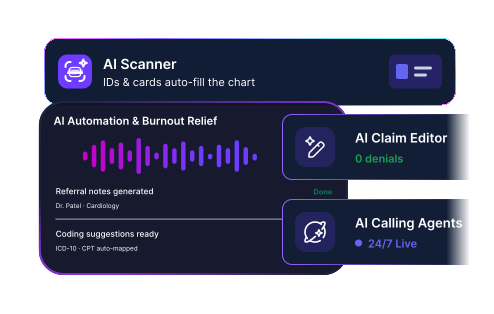
Most EHRs bolt AI onto one task. PracticeEHR runs it across every role: scribe, scanner, fax, claim editor, assistant, and voice agent. AI works, your team always approves. 

Element Slot
Background (42)
AI Scribe

Listens to the visit and writes a structured SOAP note with suggested ICD and CPT codes, in 20+ languages. You review and sign. 

Learn more
→
Background (43)
AI Scanner

Scans IDs and insurance cards on desktop or mobile, then auto-populates the chart, so intake stops meaning manual typing and typos. 

Learn more
→
Background (44)
AI Fax

Reads every incoming fax, identifies the document type and the right patient, and links it to the chart with one-click approval. 

Learn more
→
Background (45)
AI Claim Editor

Scrubs each claim line by line and shows exactly what to correct, so denials drop and clean claims go out the first time. 

Learn more
→
Background (46)
AI Assist

Ask the built-in AI chat assistant in plain language to find patients, book visits, or pull a report, and AI does it without menu-hunting or manuals.  

Learn more
→
Background (47)
AI Calling Agents

Voice agents answer calls 24/7, booking appointments, taking refills, and checking eligibility, then escalate to staff when needed. 

Learn more
→
Background (50)
AI Summarizer

Turns any chart, lab, fax, or document into a clear summary in one click, so your team reads what matters instead of every page.

Learn more
→
Background (89)
AI Show Rate

Predicts which patients are likely to no-show and shows what's driving it, so you protect the slots most at risk.

Learn more
→
Background (48)
IVR Agent

Calls payers to check claim status and follow up on denials, so your billers stay off hold, and A/R keeps moving.

Learn more
→

Clinical & Charting

Charting is the work that follows you home. PracticeEHR puts AI Scribe, templates, e-prescribing, and labs in one chart, so notes get done during the visit, not after. 

Element Slot
Background (56)
AI-Powered Charting

Charting is easy with our in-house, fully integrated AI Scribe that listens to the patient visit and provides a structured note with coding suggestions.

Learn more
→
Background (57)
Specialty Templates & Shortcuts

Document the way your specialty works, with 25+ templates and custom abbreviations that turn a few keystrokes into full sentences. 

Learn more
→
Background (58)
E-Prescribing & EPCS

Send e-prescriptions, including controlled substances, right from the patient chart, with full PDMP integration and dosage checks built in.

Background (59)
Labs & Imaging

Order labs from the chart, then track and review results with reference ranges and high/low flags. No more chasing faxes. 

Background (60)
Decision Support & Alerts

Allergy warnings, drug interactions, and fall-risk flags surface promptly, plus reminders for screenings and overdue follow-ups. 

Background (61)
Patient Summary & History

Vitals, medications, allergies, problems, and labs in one view, with trend charts and flowsheets tracking progress over time. 

Interoperability Icon
Interoperability

Connect to labs, pharmacies, and health networks so patient data lands where you need it. One chart, no copy-paste between disconnected tools.

Learn more
→

Scheduling & Front Desk

The front desk runs on interruptions: ringing phones, waiting patients, forms to retype. These tools answer calls, fill schedules, and check people in before they reach the counter. 

Frame 1618875816 (1)
Background (62)
Online Scheduling

Give patients a simple way to book/request online appointments and free your front desk from playing phone tag all day. 

Background (63)
Multi-Location Calendar

See every provider, room, and location on one calendar, color-coded by status, so the whole day reads at a glance. 

Learn More
→
Background (64)
Patient Check-in Kiosk

A tablet check-in for intake, consent, and copay, so staff skips manual entry, and patients spend less time waiting. 

Learn more
→
Background (65)
AI Scanner

Scan a license and insurance card, and patient details fill the right fields automatically. No more typos at intake. 

Learn More
→
Background (66)
Reminders & Waitlist

Automated text, email, and portal reminders cut no-shows, while a waitlist fills cancellations the moment a slot opens up. 

Background (67)
AI Receptionist

Let AI answer the phones 24/7 to book, confirm, and reschedule appointments, so your team stops drowning in calls. 

Learn More
→

Patient Engagement

Patients expect to book, message, pay, and see results from their phone. Give them a portal that handles the routine, so your front desk fields far fewer calls. 

Element Slot (1)
Background (68)
Patient Portal

A web and mobile portal where patients view records, book visits, message your team, and pay bills without calling in.

Learn more
→
Background (69)
TeleVisit

Launch HIPAA-compliant video visits from the schedule, with AI Scribe and billing built in. Virtual care works like an in-office visit.

Learn more
→
Background (70)
Secure Messaging

HIPAA-compliant messages across portal, text, and email, all linked to the chart, so conversations stay in one place.

Learn more
→
CRM Icon
Built-In CRM

Turn inquiries into booked patients with automated follow-up and a lead that becomes a patient on the first appointment. One record from start to finish.

Learn more
→
Background (71)
Online Bill Pay

Give patients an easy online way to see and pay what they owe, so balances get cleared without a phone call. 

Background (72)
Records & Lab Results

Deliver lab results and health records digitally, so patients get answers without calling and your staff skips the follow-up phone tag. 

Background (73)
Patient AI Assist

Built into the portal, AI Assist helps patients handle billing, scheduling, and results on their own, around the clock and without waiting. 

Operations & Oversight

Running a practice shouldn't mean guesswork or system-hopping. See every provider, location, and dollar in real time, control who can do what, and run it from your phone. 

Element Slot (3)
Background (79)
Real-Time Dashboard

One live screen shows the whole practice at a glance, from appointments and patients in office to unbilled encounters and open tasks.

Learn more
→
Background (80)
Reports & Analytics

Build custom reports by provider, location, or date range, then export to PDF, Excel, or CSV for the answers you need. 

Learn more
→
Background (81)
Multi-Location Management

Run providers, rooms, and schedules across every location from one system, so you can grow with confidence. 

Background (82)
Role-Based Access

Control what every user can view and do with granular, role-based permissions that keep sensitive data in the right hands. 

Background (83)
Audit Logs

Every user action is timestamped and recorded, so you have an accountability trail for compliance, reviews, and peace of mind.  

Background (84)
PracticeEHR Go Mobile App

The full platform on iOS and Android, so providers chart with AI Scribe and owners watch the numbers from anywhere. 

Learn more
→

Billing & RCM

Every denied claim is money you earned, stuck in limbo. PracticeEHR catches errors before submission, works denials fast, and shows exactly where every dollar sits in real time. 

Frame 1618875802
Background (74)
AI Claim Editor

Before a claim is submitted, AI scans it for invalid codes, missing fields, and eligibility gaps, then shows exactly what to fix. 

Learn more
→
Background (75)
Claims Management

Manage the full claim lifecycle in one place, from charge capture to submission and rejection follow-up, all under one login. 

Learn more
→
Background (76)
Eligibility Verification

Run real-time eligibility checks against payers and get full benefit detail, so coverage surprises never turn into denied claims. 

Learn more
→
Background (85)
Denial Management

Every denial gets an owner, a status, and a path to appeal, so money owed to you stops slipping away unworked. 

Learn more
→
Clearinghuse Icon
Integrated Clearinghouse

Scrub, submit, and track claims from inside your billing, with remittances posted automatically. Everything connects. No separate portal to log into.

Learn more
→
Background (77)
A/R Dashboards & Follow-up

Track total A/R, days in A/R, and aging buckets in real time, then follow up by plan and patient to boost cash flow. 

Learn more
→
Background (78)
Medical Credentialing Services

We handle CAQH setup, payer applications, and re-credentialing deadlines, so your providers get enrolled and paid on time. 

Learn more
→
Background (86)
Billing Automation

Auto-submit clean claims and auto-send patient statements, all on a schedule you and your billing team control, so nothing waits on a person.

Background (87)
Prior Authorization Management

Keep every prior authorization on track, with requests, approvals, visit limits, and deadlines in one view, so care isn't delayed by paperwork.

Background (88)
RCM Analytics & KPIs

Watch first-pass rate, denials, days in A/R, and net collections trend against benchmarks, so you know exactly where the revenue cycle stands.

Explore More Solutions From PracticeEHR for Growing Practices 

Container (14)

Patient Management

Manage patient journeys from check-in to follow-up with connected workflows that reduce delays and improve overall experience. 

Explore →
Container (15)

Billing & Payments

Reduce payment friction at every stage by managing charges, insurance, and patient payments in one connected system. 

Explore →
Container (17)

Clinical Efficiency

Help providers stay focused on care with workflows that reduce interruptions, minimize documentation time, and support daily clinical work. 

Explore →
Container (18)

Operational Efficiency

Gain end-to-end control over schedules, staff, revenue, and daily operations with all the tools you need to run a thriving practice. 

Explore →
Container (19)

Reporting & Analytics

Access comprehensive dashboards for instant insights and generate custom reports that support audits, planning, and decision-making. 

Explore →

Shifting to a Better Platform Could be One Demo Away

See PracticeEHR in action for your specialty

lock-alt_svgrepo.com (3) Privacy and Compliance

Safe and Secure AI Platform for Growing Practices

Frame 1618875250 (6)

HIPAA Compliant

PracticeEHR is HIPAA Compliant. Conversations and documentation are securely processed and protected using industry-standard safeguards.

Frame 1618875250 (7)

SOC 2 Attested

PracticeEHR follows SOC 2 standards for security, availability, and confidentiality, with audited controls to protect sensitive healthcare data.

Frame 1618875250 (8)

Secure Cloud-Based Storage

Cloud-based data storage keeps patient charts, labs, and clinical notes accessible to providers across locations without relying on local systems.
Read Latest Insights from PracticeEHR

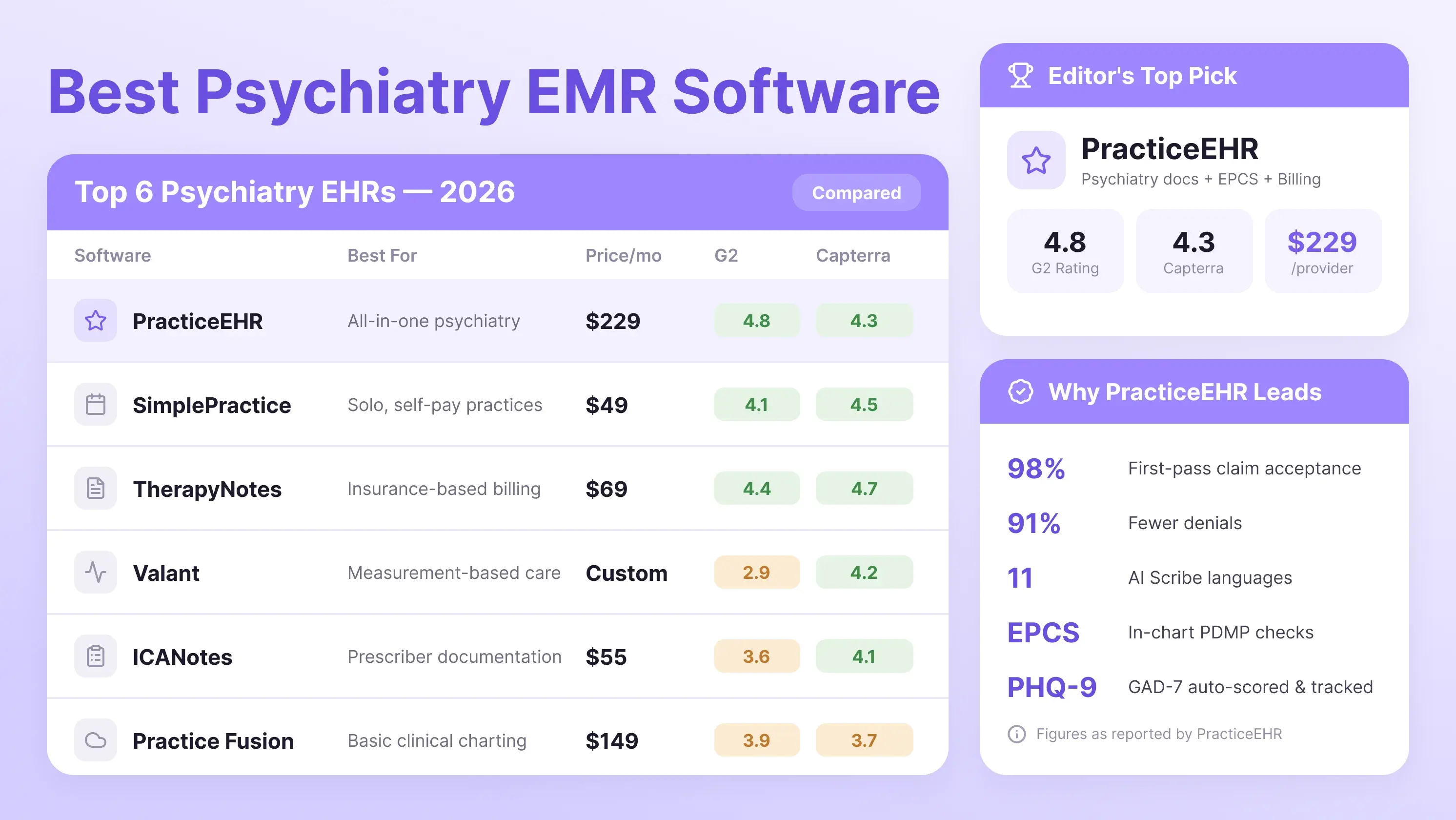
Best Psychiatry EMR Software

Specialty-Specific EHR

Read time icon

6 min read

Best Psychiatry EMR Software in 2026: Top 6 Compared

Compare the best psychiatry EHR software in 2026. Explore pricing, EPCS, telepsychiatry, billing, AI tools, and features for your psychiatric practice.

Calendar icon

September 24, 2026

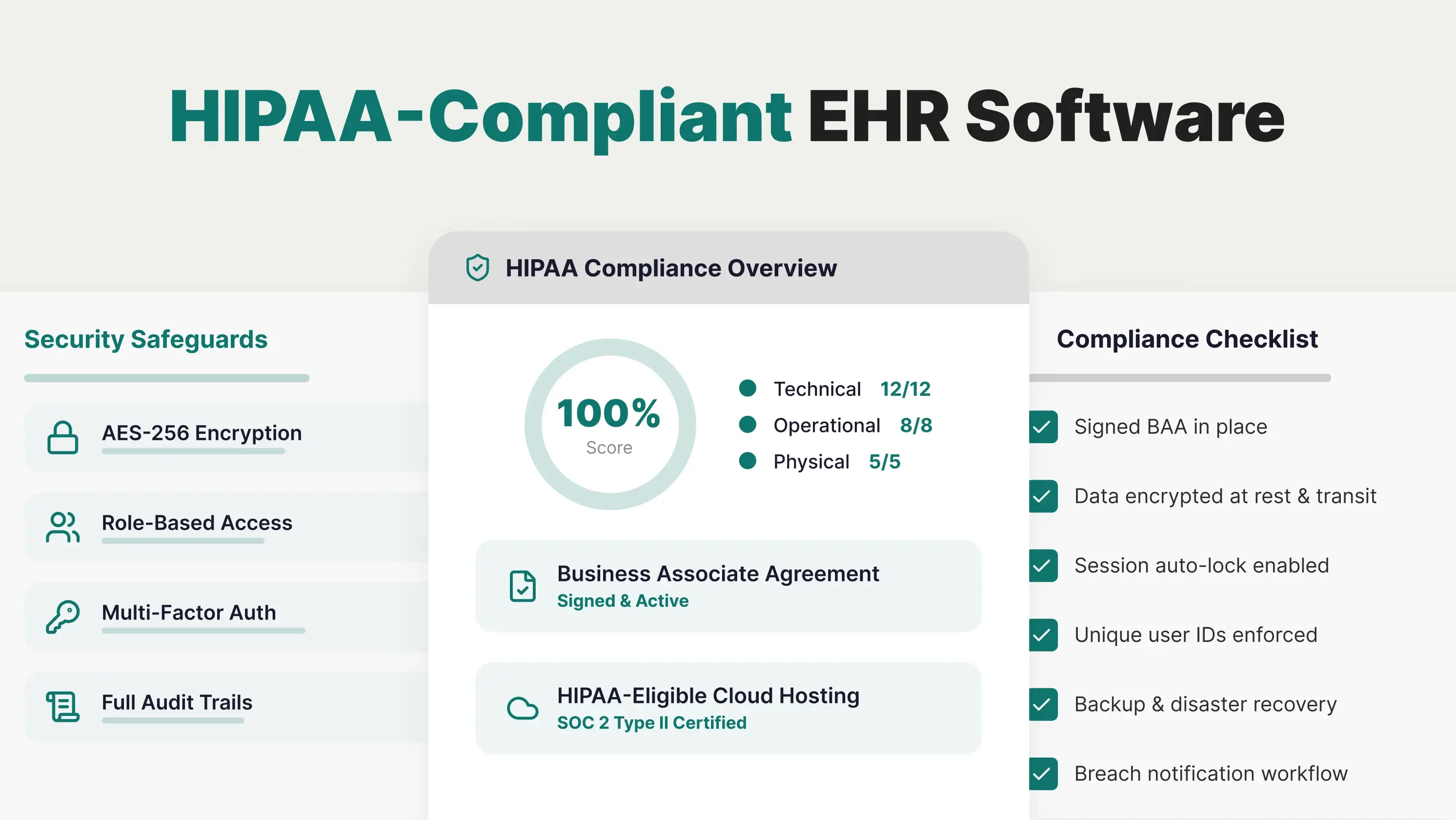
Choose HIPAA Compliant EHR Software

HIPAA

Read time icon

6 min read

How to Choose HIPAA Compliant EHR Software in 2026?

Learn what makes an EHR HIPAA-compliant in 2026, from encryption and access controls to BAAs, audit logs, backups, and cloud security.

Calendar icon

September 23, 2026

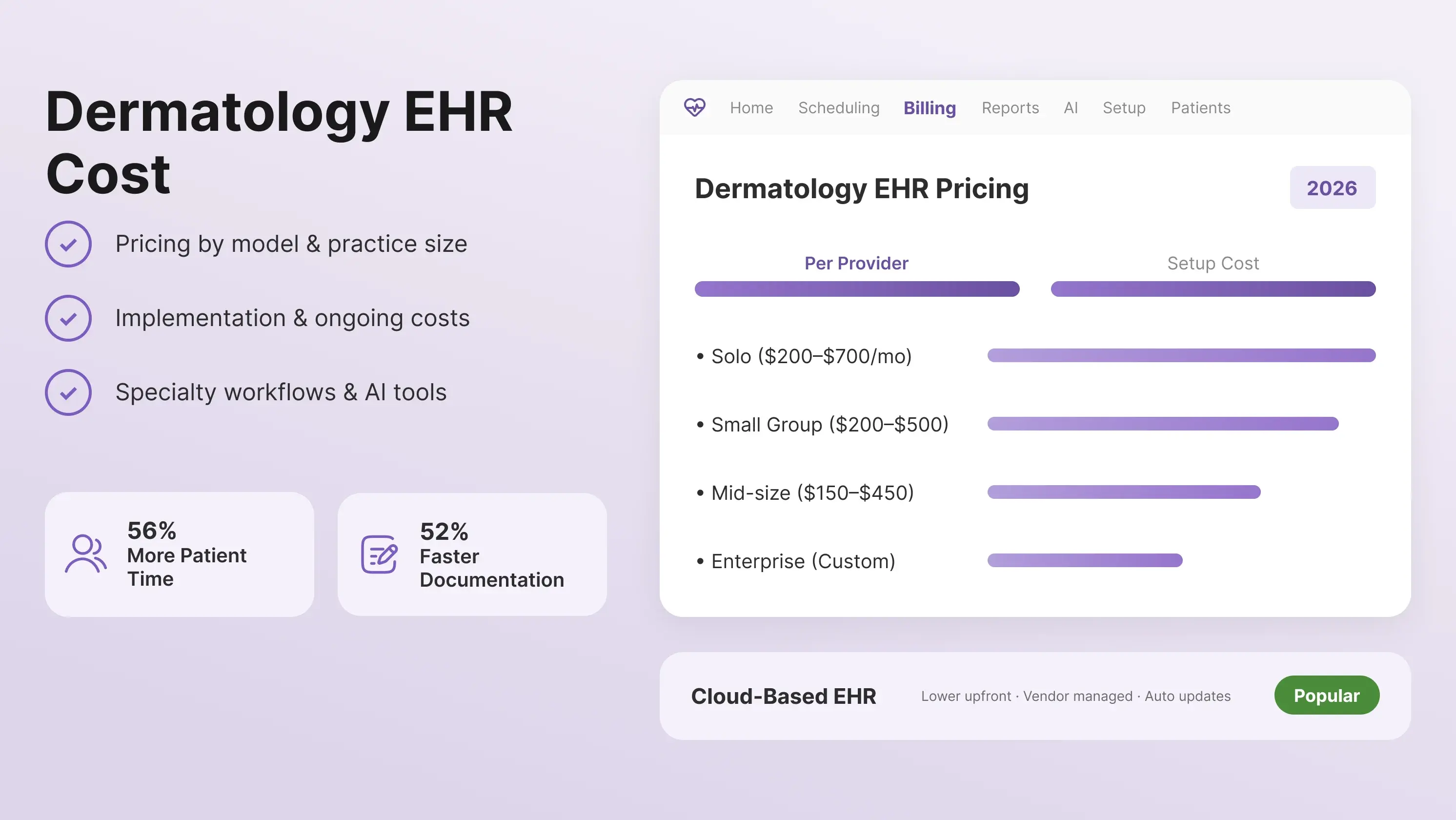
Dermatology EHR Cost

Specialty-Specific EHR

Read time icon

6 min read

How Much Does a Dermatology EHR Cost in 2026?

How much does a dermatology EHR cost in 2026? Explore pricing ranges, hidden fees, implementation costs, and key features worth paying for.

Calendar icon

September 21, 2026

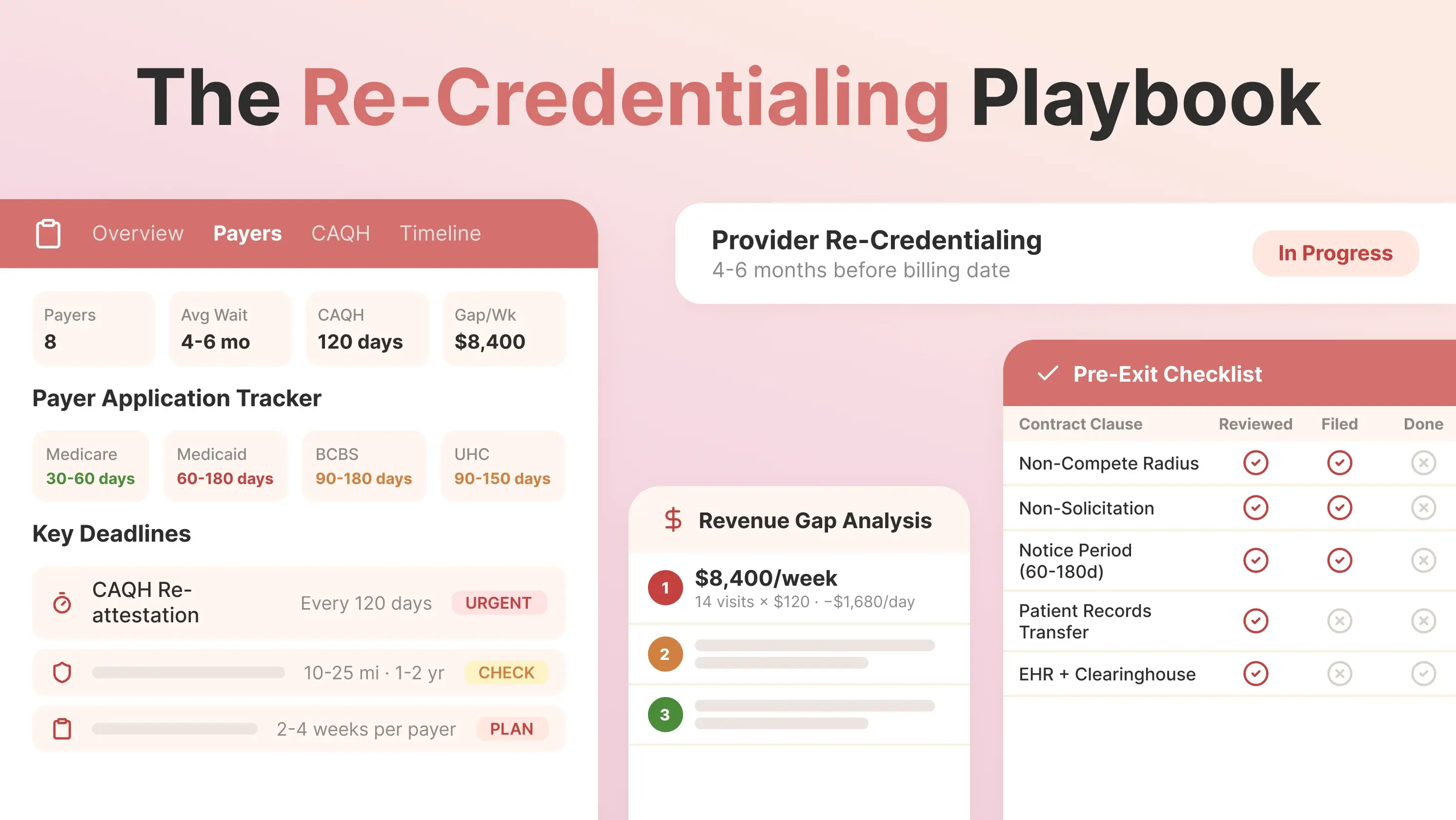
Leaving a Group Practice in 2026: The Re-Credentialing Playbook

Medical Billing

Read time icon

6 min read

Leaving a Group Practice in 2026: The Re-Credentialing Playbook

Leaving a group practice means starting credentialing once again. Here's the 2026 timeline, payer-by-payer requirements, and the non-compete traps to avoid.

Calendar icon

September 17, 2026

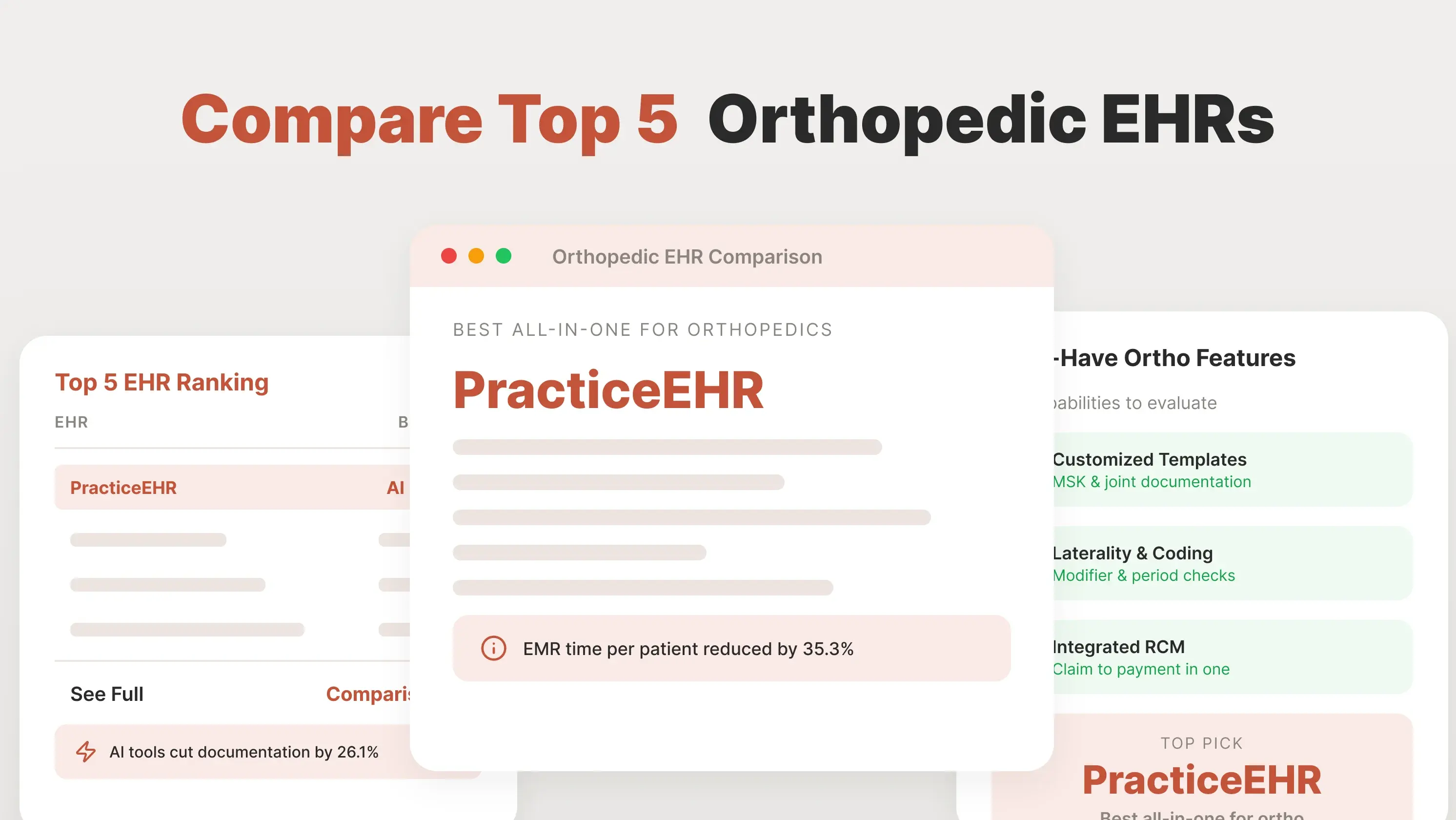
best orthopedic EHR software

Specialty-Specific EHR

Read time icon

6 min read

Compare Top 5 Orthopedic EHR Softwares in 2026: Workflows, Features and Comparison

Compare the best orthopedic EHR software for specialty templates, AI tools, imaging, coding, billing, and RCM. Find the right fit for your practice.

Calendar icon

September 16, 2026

web based EHR

Tried and Trusted by Thousands of Providers

Practice the Modern Way with AI on Your Side

Streamline your entire practice with PracticeEHR's AI-native, all-in-one solution for modern healthcare.