

Key Takeaways
- Complete regular risk assessments, enforce access controls, and encrypt patient data to reduce security risks.
- Train staff, secure devices, and maintain tested backups to protect against phishing, ransomware, and data loss.
- Choose a HIPAA-compliant EHR with built-in security features, automatic updates, and reliable data protection.
One stolen laptop. One wrong click on a phishing email. That is often all it takes to shut down a small practice for days and expose thousands of patient records.
Large healthcare networks are no longer the only target. Independent and small practices are now the easier mark. The data is just as valuable to attackers, but the defenses are usually weaker.
This guide gives you a 12-point checklist you can start working through this week. Each point is simple to understand, and most are quick to implement.
What Is Healthcare Data Security?
Healthcare data security is the set of rules, tools, and daily practices that protect patient health information from theft, loss, and misuse. It covers everything from passwords on your front desk computer to how your EHR vendor stores backups.
The goal is simple. Patients trust you with their most private information. Keeping that trust safe is part of good care.
Why Independent Practices Need to Act Now
Small and independent practices are easy targets for three reasons:
- Smaller IT budgets, so systems are often older
- Fewer staff trained to spot phishing or scams
- The same patient data a hospital holds, which sells for a high price on the dark web
The cost of ignoring this is real. The United States Department of Health and Human Services can issue fines ranging from thousands to millions of dollars for a single HIPAA violation. According to IBM’s 2026 Cost of a Data Breach Report, healthcare breaches now cost an average of $6.64 million. That is the highest of any industry, for the 13th year in a row.
And once patients learn that their records have been leaked, many never come back.
The 12-Point Healthcare Data Security Checklist
Use these 12 steps to protect patient information, reduce security risks, and keep your practice HIPAA-compliant.
-
Run an annual HIPAA Security Risk Assessment
HIPAA requires practices to complete this assessment. It is also the fastest way to find weak spots before an attacker does.
Walk through every place patient data lives. Front desk computer, practice management software, e-mail, billing software, paper files, and backup drives. Write down what protects each one, and what does not.
-
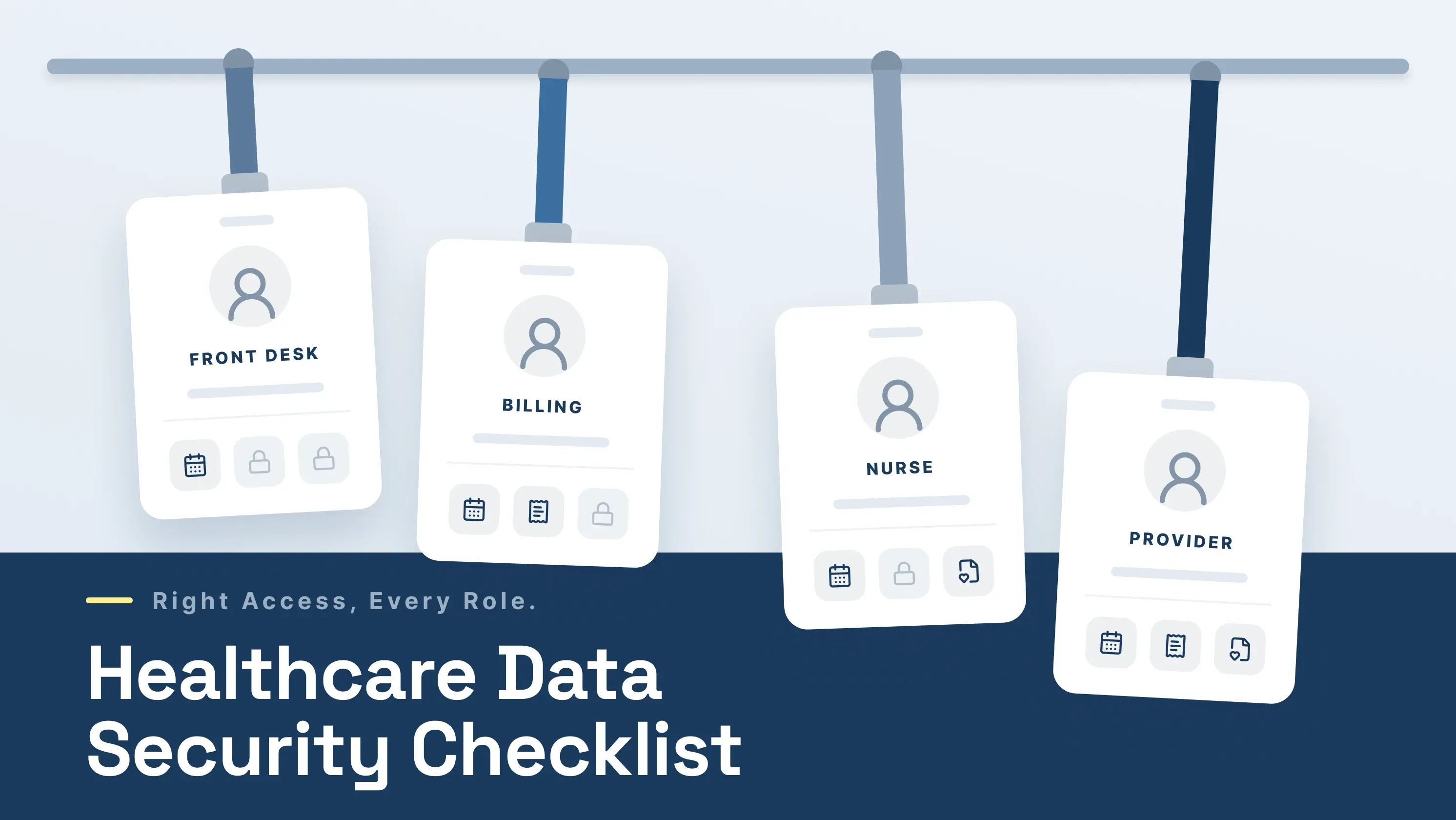
Set role-based access controls
Not every staff member needs to see every record. A receptionist does not need access to full charts. A billing clerk does not need prescription history.
Set access by job role. Review it every six months, and when someone leaves.
-
Turn on multi-factor authentication
Passwords get stolen. Multi-factor authentication (MFA) adds a second check, like a code sent to a phone. This single step blocks the large majority of account attacks.
Turn it on for your EHR, your email, and any system that touches patient data.
-
Encrypt data at rest and in transit
Encryption makes data unreadable to anyone without the key. If a laptop gets stolen or an email gets intercepted, encrypted data is useless to the thief.
Make sure your EHR, your email service, and your backup drives all use encryption.
-
Keep full audit logs
Audit logs record who viewed which patient record and when. They are needed for HIPAA audits. They also help you spot a problem quickly, such as a staff member reading records they should not read.
A good EHR keeps these logs automatically. Check that yours does.
-
Enable automatic logoff and screen locks
A logged-in computer at the front desk is an open door to patient records. Set screens to lock after 5 to 10 minutes of no use.
Same for the EHR. If a user walks away, it should log them out automatically.
-
Back up patient data and test the backups
Ransomware attacks are a form of backup test. If your backups fail, you pay the ransom or lose the data.
Keep backups off-site. Encrypt them. Test a restore every three months, not just once a year.
-
Train your staff on phishing and HIPAA
Most healthcare breaches start with a staff member clicking something they shouldn't. According to Verizon’s 2026 Data Breach Investigations Report, 54% of healthcare breaches involved a human element. The top causes were sending patient data to the wrong recipient (around 40% of these cases), losing an unencrypted device (25%), and misconfigured systems (20%).
Train every six months, not once a year. Use short, real examples of phishing emails that target medical offices.
-
Sign a Business Associate Agreement with every vendor
Any vendor that handles patient data must sign a Business Associate Agreement (BAA). This includes your EHR, your billing service, your cloud storage, and even services like transcription.
No BAA means a HIPAA violation, even if nothing goes wrong.
-
Lock down mobile devices and laptops
Lost and stolen devices cause a large share of healthcare breaches.
Set a rule: any device that touches patient data must have a password, encryption enabled, and remote wipe enabled. This includes personal phones if staff check work email on them.
-
Write a breach response plan
HIPAA requires you to notify patients within 60 days of a breach. That is not the time to figure out what to do.
Write a short plan now. Who do you call first? Who tells the patients? Who handles the media if the breach is large? Keep a printed copy, since a ransomware attack may lock your computer files.
-
Choose an EHR built for HIPAA compliance
Your EHR is where most of your patient data lives. The right one covers many of the items above for you.
Look for an EHR that includes:
- Full data encryption, both stored and in transit
- Built-in MFA
- Automatic audit logs
- Daily backups
- Role-based access
- Regular security updates with no action needed from you
A cloud-based EHR handles most of this in the background. Your patients benefit from hospital-grade security. You get your evening back.
Explore More: How to Choose a HIPAA-Compliant EHR Software
3 Common Mistakes Small Practices Still Make
Even clinics that follow the checklist slip up on these:
- Sharing one login across the front desk. If something goes wrong, you cannot tell who did it.
- Sending patient info through personal email. It is unencrypted, not under a BAA, and a HIPAA violation.
- Skipping software updates on the clinic PC. Old software has known weak spots. Attackers scan for them.
How a Modern Cloud EHR Handles Most of This for You
An on-premises system puts all the work on you. Your server, your backups, your updates, your security team.
A HIPAA-ready cloud EHR takes most of it off your plate. Data is encrypted. Backups run on their own. Updates are installed in the background. Audit logs are built in. Your records stay safe even if the office computer gets stolen or dies.
PracticeEHR is built this way from the ground up. Patients know their records are safe. You know your practice can keep running, even on a hard day. Book a free 60-minute demo to discover how it keeps your patient data secure.
FAQs


