

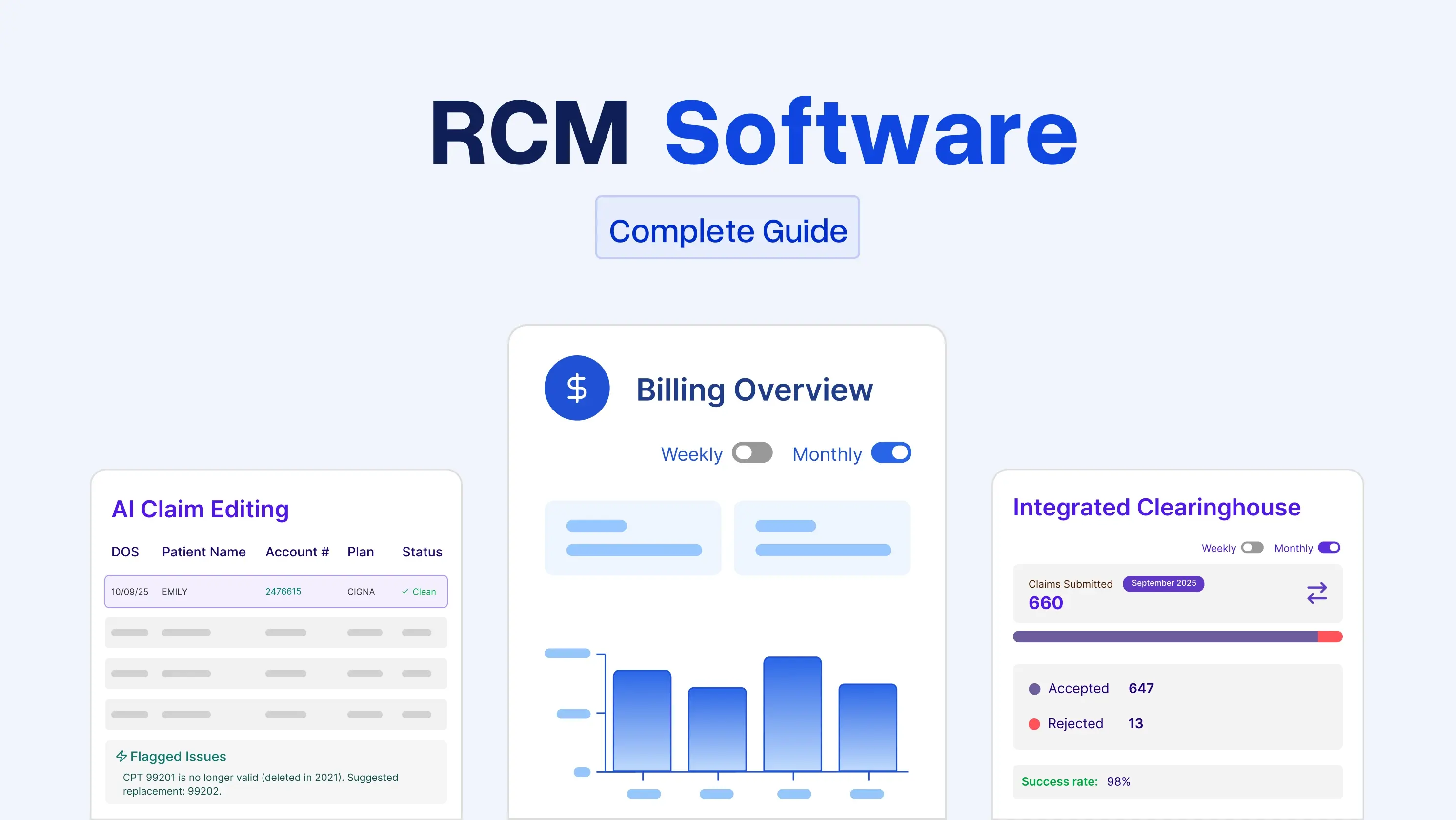
Key Takeaways
- RCM software is about more than submitting claims. It helps manage the entire journey from patient registration to final payment.
- The right features can save your team hours of manual work. Look for strong automation, denial management, reporting, and seamless EHR integration.
- Choose a platform that fits how your practice actually works. The best RCM software should support your specialty, scale with your practice, and make your revenue cycle easier to manage.
If you own or run a small- to midsize medical practice, RCM software is one of the few pieces of technology that directly moves money. When it works, your days in AR drop, and your billing team stops living inside payer portals. When it doesn't, you keep writing off claims you should have collected on, and you usually don't notice until the quarterly report.
This guide is for practice owners and administrators who are evaluating RCM software for the first time or considering a switch. It's about the software itself, not the process behind it. Read on to find out what RCM software does, the different types, what to look for, what it costs, and what implementation actually feels like. There is also a short evaluation checklist near the end that you can take into demos.
What Is Revenue Cycle Management Software?
Healthcare revenue cycle management software is the system your practice uses to move a patient encounter from front-desk registration to a paid claim. Eligibility, coding, submission, denials, payment posting, and patient balances all live in one place.
It's not an EHR. An EHR captures the clinical side. It's also not a basic medical billing tool, which usually just submits claims. RCM software spans the entire financial workflow. Some products are standalone. Others are built into an EHR platform (we do this at PracticeEHR, more on that later).
If you're still deciding whether you need RCM software at all, our earlier post on why medical revenue cycle management software matters covers the business case.
Core Modules of RCM Software
Most revenue cycle management platforms are built around the same functions. When you sit through a demo, you're really watching how revenue cycle management tools are executed.
- Eligibility and benefits verification: Automated checks against payer databases before the visit, so your front desk isn't on hold with insurance companies all morning.
- Charge capture and coding assistance: Pulls encounter data from the EHR (or lets staff enter it), applies CPT and ICD-10 codes, and flags common coding errors.
- Claim scrubbing and submission: Runs claims through payer-specific rules before they leave your office. Fewer errors going out, fewer rejections coming back.
- Denial management: Categorizes denials by reason code, routes them to whoever should work them, and tracks the appeal.
- Payment posting: Auto-posts ERAs from payers and EFTs from banks. Manual posting is where a lot of small practices quietly bleed hours.
- Patient billing and online payments: Statements, text-to-pay, card-on-file, payment plans. Patient responsibility is now around 30% of provider revenue for most practices, so this matters more than it did five years ago.
- Reporting and analytics: Dashboards for days-in-AR, first-pass acceptance, denial rate, net collection rate, and payer mix. If the reporting is thin, walk away.
Types of RCM Software
There are four common setups, and the right revenue cycle management platform depends on your size and how much of the medical billing work you want to keep in-house.
-
Cloud-based (SaaS)
Cloud-based revenue cycle management software is what most small and midsize practices choose now. You log in via a browser, the vendor handles updates and backups, and you pay a monthly subscription fee. Lower upfront cost, faster to get running.
-
On-premise Software
These software programs your IT team installs on your own servers. More control over data, but you own the hardware, updates, backups, and security. Practical only for larger groups with real IT staff.
-
Integrated EHR plus RCM
It is a single platform that covers clinical and financial functions in a single login. Fewer handoffs between systems, cleaner data, and usually one bill. We've written separately about how integrated EHR and RCM streamlines the revenue cycle if you want the workflow view.
-
Standalone RCM Software
These software are add-ons that plug into whatever EHR you already have. Useful if your current EHR is fine clinically but weak on billing, and you're not ready to rip everything out.
Key Features to Look For
This is where most demos start to blur together. Here's what actually separates the best revenue cycle management software from average RCM software.
-
Specialty-specific rules
. A pediatrics practice and a chiropractic office bill nothing alike. If the software wasn't built with your specialty in mind, someone at your practice will end up building rules by hand.
-
Clearinghouse connectivity
Ask which clearinghouses it connects to and whether you have a choice. Locked-in clearinghouse relationships can hide costs.
-
Real-time claim status
You want to know whether a claim was accepted, rejected, or paid without logging into three payer portals.
-
Denial analytics
Not just a list of denials. You want cuts by reason code, by payer, by provider, by CPT. That's where the money is.
-
Patient payment tools
Text-to-pay, card-on-file, and a portal that patients will actually use on a phone. Ask to see the mobile view during the demo.
-
EHR integration
If the RCM software is separate from your EHR, ask exactly what's shared, in which direction, and how often it syncs. "Integrated" means different things to different vendors.
-
Compliance
HIPAA is the baseline. Ask about SOC 2 Type II reports, breach history, and how they handle Business Associate Agreements. Get a copy of the BAA before signing anything.
-
Reporting
Your billing manager can actually use it. If the reports need a data analyst to interpret, they're not reports. They're homework.
For your billing manager: pay attention to how many clicks it takes to work a denial, how long a payment batch takes to post, and whether the software surfaces work automatically or waits for someone to look for it. Those three things determine whether the platform helps or gets in the way day-to-day.
RCM Software for Small Practices vs. Larger Groups
Small practices, roughly two to five providers, need software that runs without a dedicated EMR billing software. Look for automation for routine tasks, clear denial workflows, and support that answers the phone when your biller calls. Fancy configurability matters less than getting claims out clean the first time.
Larger groups need role-based access, multi-location reporting, provider-level productivity data, and the ability to segment AR by location or specialty. If you're planning to grow or acquire, ask how the software handles new locations and how existing customers have handled it.
Either way, be careful with enterprise software marketed to small practices. It's usually more platform than you need, and you pay for that in complexity.
Pricing of RCM Software
The table below compares the most common ways medical billing and practice management software vendors charge for their services, along with the types of practices each model may suit and potential cost considerations.
Note: Pricing ranges are industry averages and may vary by vendor, practice size, specialty, claim volume, included features, and additional services.
What Implementation Actually Looks Like
Most implementations run for 30 to 90 days, depending on practice size and the cleanliness of your existing data.
Weeks one and two are usually contracts, kickoff, and account setup. Weeks three through six are data migration (patient demographics, insurance, open AR, fee schedules) and system configuration. From week seven onward, it's training, parallel testing, and go-live.
Two things go wrong most often. Dirty data in the old system that nobody wants to admit is dirty. And staff training that gets squeezed because the practice is busy. Both are avoidable if you plan for them. Block calendar time for training. Don't schedule go-live the week before a holiday or during your busiest month.
Ask any vendor for a written implementation plan with names and dates, not a slide deck.
RCM Software Evaluation Checklist
Here are a few questions you can ask your vendor during the demo. Don't forget to take the print!
- Is it built for my specialty, or is it being adapted to fit?
- Which clearing houses does it work with?
- What first-pass acceptance rate do current customers actually report?
- How does the denial workflow look in practice (ask to watch a live example)?
- What EHRs does it integrate with, and how deep is that integration?
- Does the patient portal look usable on a phone?
- Can I get a sample of the standard reports before signing?
- Who owns my data if I leave, and how do I get it out?
- What's included in the price and what's billed separately? Is a SOC 2 Type II report available?
- Is a BAA available before signing?
- What are the support hours, and where is the support team located?
- Can I have references from three practices of my size in my specialty?
- What does year-two pricing look like? How do you handle downtime and disaster recovery?
If a vendor gets defensive about any of these, that tells you something on its own.
Simplify Your Revenue Cycle With PracticeEHR
PracticeEHR is an integrated EHR and RCM platform built for small and midsize practices. Clinical, billing, patient engagement, and reporting run in a single system, which eliminates most of the integration questions above. If you want to see how it handles denials, patient payments, or your specialty's rules, book a demo, and we'll walk through it against your actual workflow.
Book a free 60-minute demo and see PracticeEHR in action with a live demonstration of its RCM tools and workflows.
FAQs

.svg)
