

Key Takeaways-
- Step-by-step video tutorials save time and make complex EHR tasks easier to learn and execute.
- On-demand access and visual guidance improve understanding, reduce errors, and support ongoing staff training.
- Comprehensive coverage ensures all team members can fully leverage PracticeEHR features for optimized practice management.
Using a new EHR System is like learning an alien language. Imagine a busy clinic manager attempting to learn about PracticeEHR features while still being required to run the daily operations. They are frequently annoyed and discouraged by bulky, traditional user guides and long manuals, which in turn reduces the effectiveness of their practice.
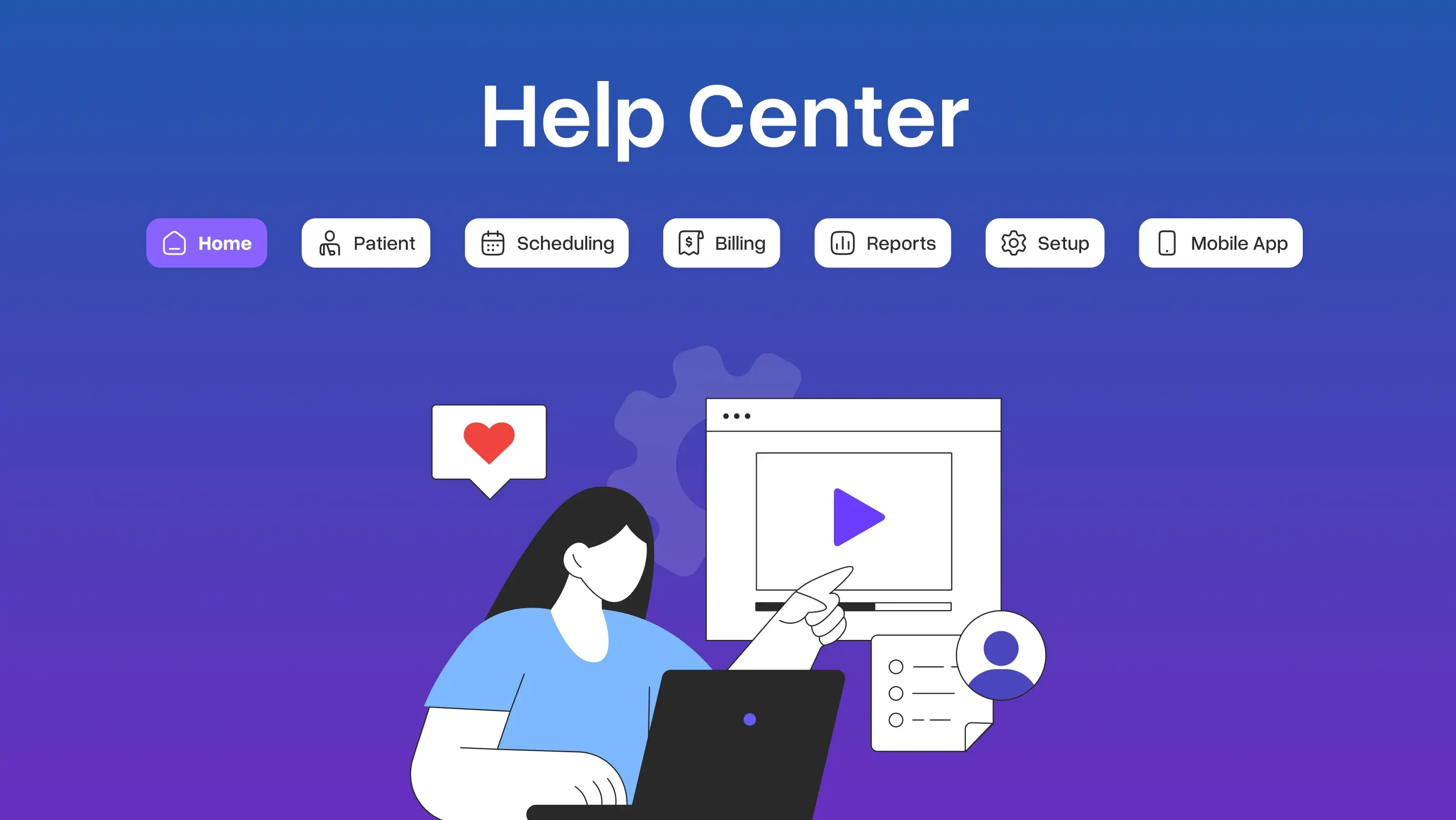
Here come the help center videos—a revolutionary tool for Practice EHR users. These videos provide detailed step-wise instructions that simplify complex processes for the entire staff. With these videos, it becomes easier to understand and use the many amazing features PracticeEHR has to offer.
Be it appointment bookings, patient records handling, or report generation, help center videos eliminate the hassle and provide the assurance needed to get your work done effectively.
In this blog, we will discuss PracticeEHR's help center videos and show how they can facilitate the use of the system's many features, making every step simple and time-efficient.
How Can PracticeEHR Help Center Videos Assist You?
The help center videos of Practice EHR are created in order to enhance the user experience with the EHR system. All these tutorials give instructions on every feature and function so that you can use the system without any worries.
For first-time users or for those who just wish to understand the system a bit more, PracticeEHR’s help center videos are extremely useful. Here is how:
Time-Saving Tutorials
The help center videos are effectively oriented towards a step-wise approach to help EHR users do their expected tasks faster without undergoing tedious manual reading. There are simple tutorials that make such intricate processes easy to comprehend, thus saving time.
For example, the process of scheduling an appointment or creating a report can be a bit tricky. Thanks to these easy-to-understand video tutorials, trained staff can do the same within a few minutes.
These help center videos will help your team master the use of the EHR system within a shorter time period. This, in turn, helps boost productivity and reduces the time wasted reading lengthy user guides. That way, these videos make sure that the practice management is running effectively and as expected.
Easy to Learn and Understand
Learning through watching and listening to video content improves understanding and memory to a greater extent than other conventional user guides.
The help center videos of PracticeEHR come with compelling graphics and to-the-point explanations to describe the fundamental features of your EHR system. This helps you understand and remember important functions more effectively.
Improved learning from these videos means your staff can comfortably use advanced EHR features without the need to frequently refer to the manuals. This improved comprehension results in less likely errors in data entry, delivery of more substantive care to the patients, and the better use of an all-in-one EHR system.
Accessible Anytime, Anywhere
One of the most compelling benefits of PracticeEHR's help center videos is that they can be accessed anytime, anywhere. The users can access these tutorials from the clinic, at home, or even when they are out and about. This ease of access and convenience helps your healthcare staff learn at their own pace and revisit the tutorials as many times as required without the burden of strict time limits.
Help center videos are available to all. This guarantees that every single individual in your team can receive the assistance they require when necessary. This learning in the work process encourages knowledge and confidence growth in the workforce, which improves the management of internal medicine practices and ensures maximum use of the EHR system.
Comprehensive Coverage of PracticeEHR Features
The help center videos of PracticeEHR give extensive insight into the EHR system your staff is using. The videos cover every aspect, from simple navigation to its advanced features, like creating schedules and appointments.
Such extensive coverage helps guarantee that your medical staff has complete knowledge about all the available tools. It is very important to make sure that your staff effectively employs all of PracticeEHR’s amazing features.
These help center videos explain in detail how to manage patient records, how to schedule patient appointments, and how to create reports. This knowledge is crucial to taking full advantage of the innovative EHR features. Since the coverage is extensive, any of your team members can competently and assuredly perform any task in the EHR system.
How to Effectively Use PracticeEHR Help Center Videos
To fully benefit from PracticeEHR tutorial videos, your staff must use and incorporate them effectively in their daily activities. If utilized the best way, you can guarantee that these materials are used by the team to improve their skills and benefit the overall practice. Here are some of the ways in which our help center videos can be put to maximum use:
Integrate the Help Center Video into the Onboarding Process
Using help center videos during onboarding guarantees that the new employees will be adept with PracticeEHR from the very first day. Start by assigning specific tutorials that teach basic but important features that they will be accessing on a daily basis. This is a practical approach that guarantees that new employees are learning through practice, which in turn eases and quickens the transition.
Moreover, Practice EHR offers customized structured playlists for various roles played in your medical practice. Adding these videos to the training calendar will help create an all-encompassing training path to aid your team in maneuvering the system well and much more easily.
Encourage Ongoing Learning
Promote continuous learning by encouraging your team members to regularly view and review PracticeEHR help center videos. Dedicating time to learning about new features and updates is necessary to deal with deteriorating productivity as well as the risk of your practice alienating to emerging technologies.
Our help center videos are constantly updated to reflect the latest updates and best practices. We recommend you encourage your staff to take some time each month to explore new tutorials. This is the best approach to fostering a culture of learning and adaptability that keeps your practice management running smoothly.
PracticeEHR - ONE That Cares About the User Experience!
PracticeEHR recognizes the fact that adjusting to a new EHR system can be quite complicated. That’s exactly why we have created help center videos that are aimed at walking you through every feature. These videos are step-by-step tutorials designed to help ease into PracticeEHR. That way, it helps you and your team manage operations and facilitates your practice management with minimal hitches.
See how simple, comprehensive tutorial videos can transform the way you operate on a day-to-day basis. Book a Free Demo today to learn how PracticeEHR can improve your user experience with its help center videos!
FAQ's

.svg)
