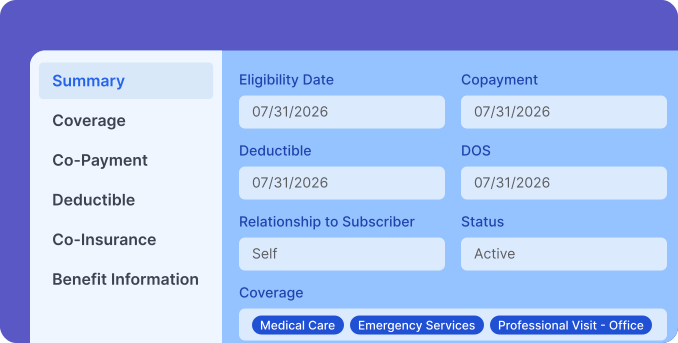
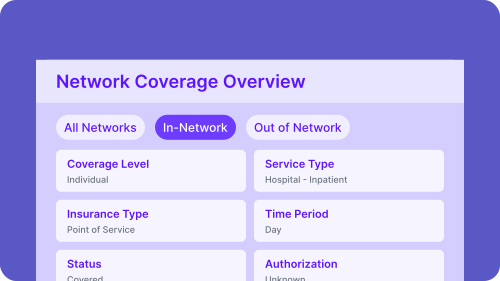
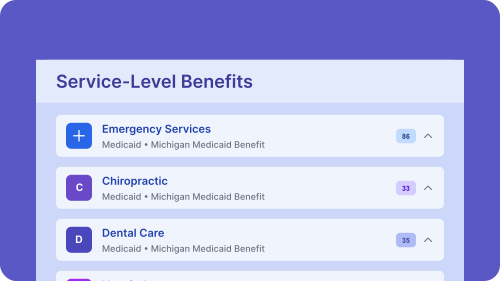
Coverage status alone doesn't prevent denials. PracticeEHR shows you copays, coinsurance percentages, benefit limits, and non-covered services before the visit. Complete insights that protect your revenue.
Book a Demo
Active Isn't the Same as Covered
A patient can be active and still have services denied. Without knowing what's covered and what’s not, you're billing blind.

Patients Hate Surprise Bills
Unclear patient responsibility leads to unexpected costs at checkout. One bad billing experience and patients start looking elsewhere.

Preventable Denials Hurt
Claims get rejected because benefit limits, non-covered services, or authorization requirements weren't flagged before the visit even started.


.svg)
Patient Management
Manage patient journeys from check-in to follow-up with connected workflows that reduce delays and improve overall experience.

.svg)
Billing & Payments
Reduce payment friction at every stage by managing charges, insurance, and patient payments in one connected system.
.svg)
Clinical Efficiency
Help providers stay focused on care with workflows that reduce interruptions, minimize documentation time, and support daily clinical work.
.svg)
Operational Efficiency
Gain end-to-end control over schedules, staff, revenue, and daily operations with all the tools you need to run a thriving practice.
.svg)
Reporting & Analytics
Access comprehensive dashboards for instant insights and generate custom reports that support audits, planning, and decision-making.
 Privacy and Compliance
Safe and Secure AI Platform for Growing Practices

HIPAA Compliant
PracticeEHR is HIPAA-compliant. Conversations and documentation are securely processed and protected using industry-standard safeguards.

SOC 2 Attested
PracticeEHR follows SOC 2 standards for security, availability, and confidentiality, with audited controls to protect sensitive healthcare data.

Secure Cloud-Based Storage
Cloud-based data storage keeps charts, labs, and clinical notes accessible across locations without relying on local systems.
Revenue Cycle Management

6 min read
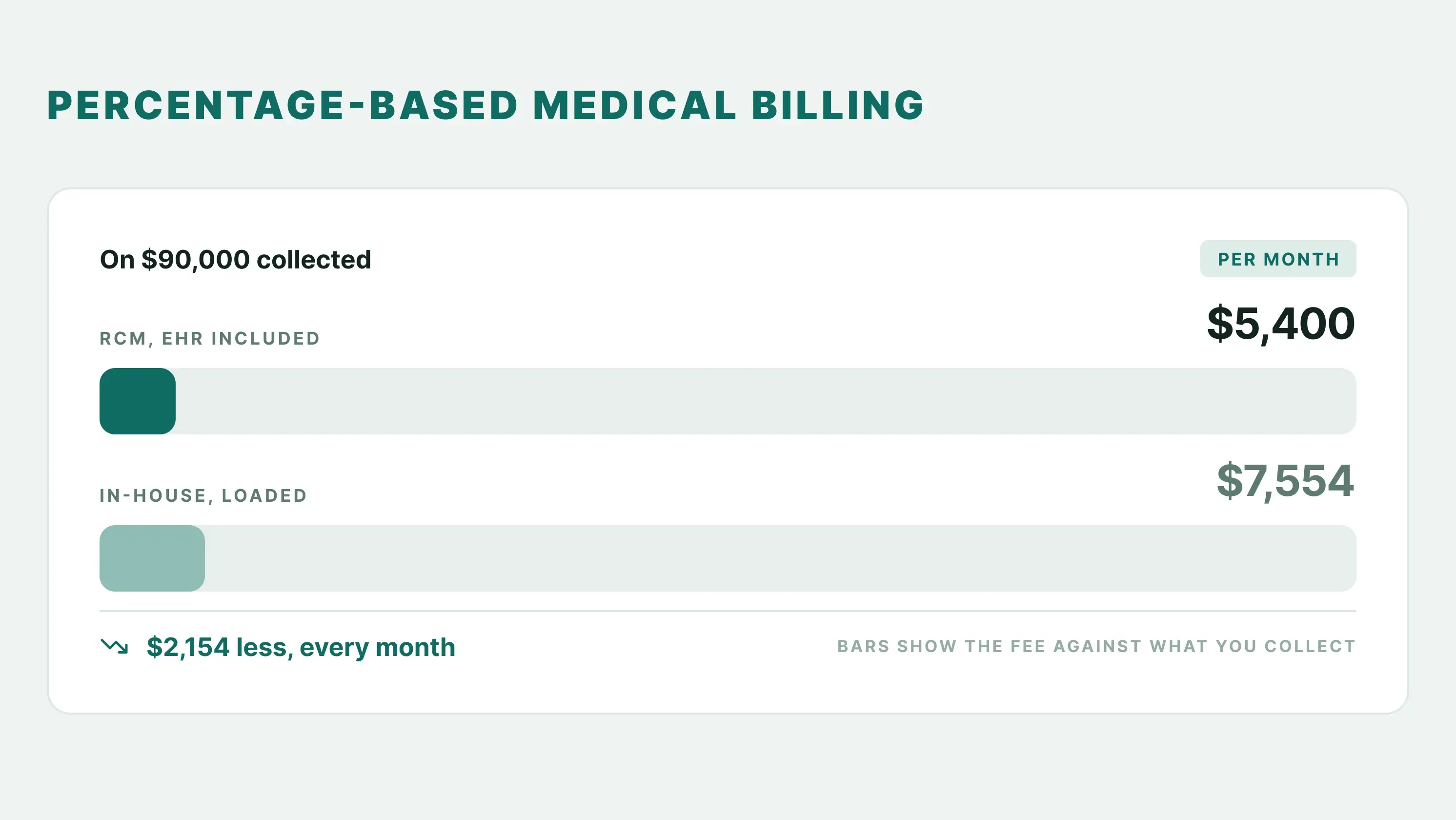
Is Paying a Percentage of Collections for Medical Billing Worth It? Run the Math
Medical billing percentage of collections: Is it worth it? Run the math against in-house billing and a separate billing company, with the EHR included.

October 22, 2026
how to write soap notes
6 min read
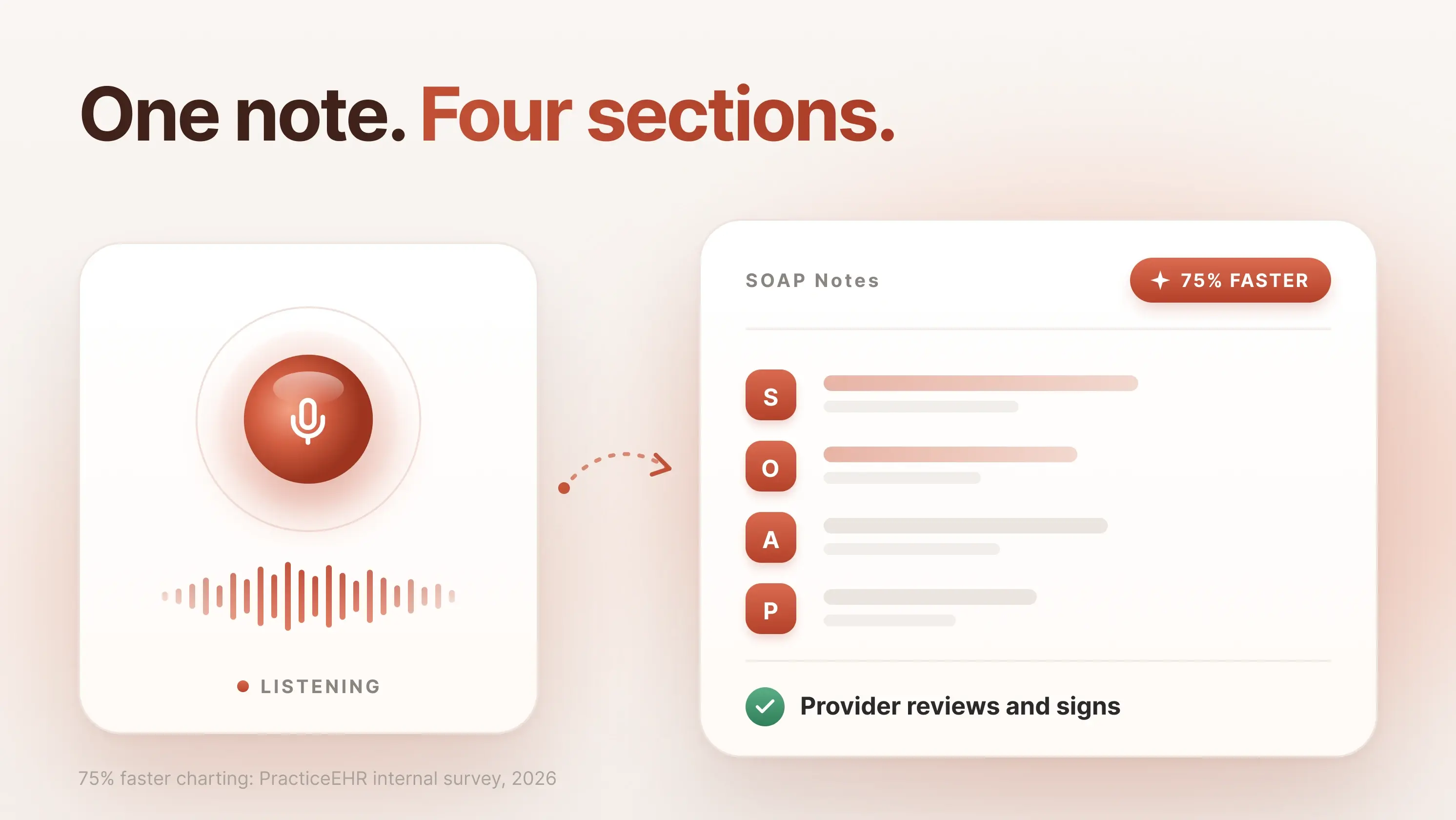
Improve Your Clinical Documentation with Clear, Complete, and Accurate SOAP Notes
Learn how to write clear, accurate SOAP notes with step-by-step guidance, examples, specialty-specific templates, and AI tools to simplify clinical documentation.
October 20, 2026
Revenue Cycle Management
6 min read
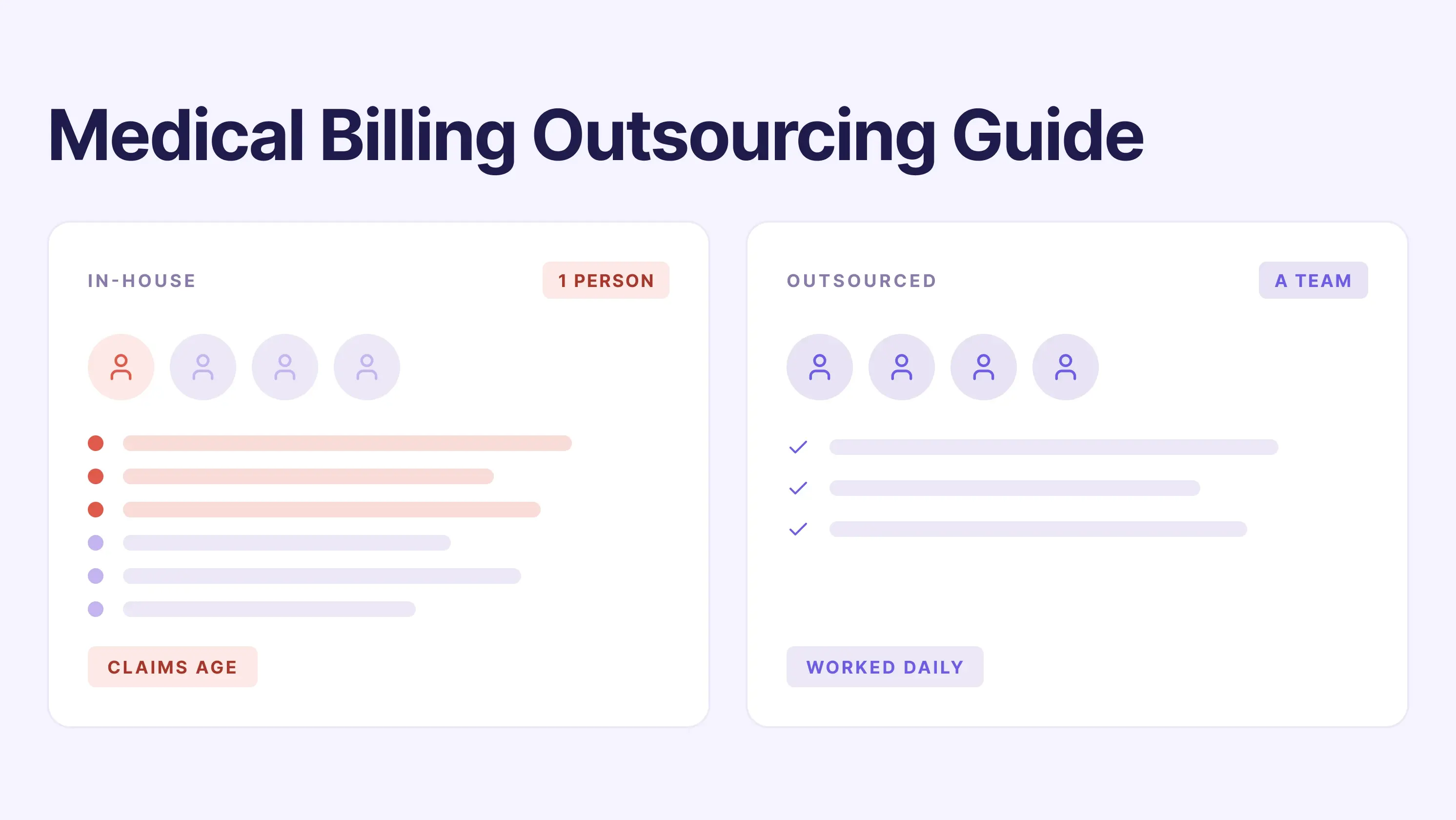
Medical Billing Outsourcing Guide for Your First 90 Days
Medical billing outsourcing vs. in-house billing? Compare costs, services, and key questions to ask before signing a contract.
October 16, 2026
Medical Billing
6 min read
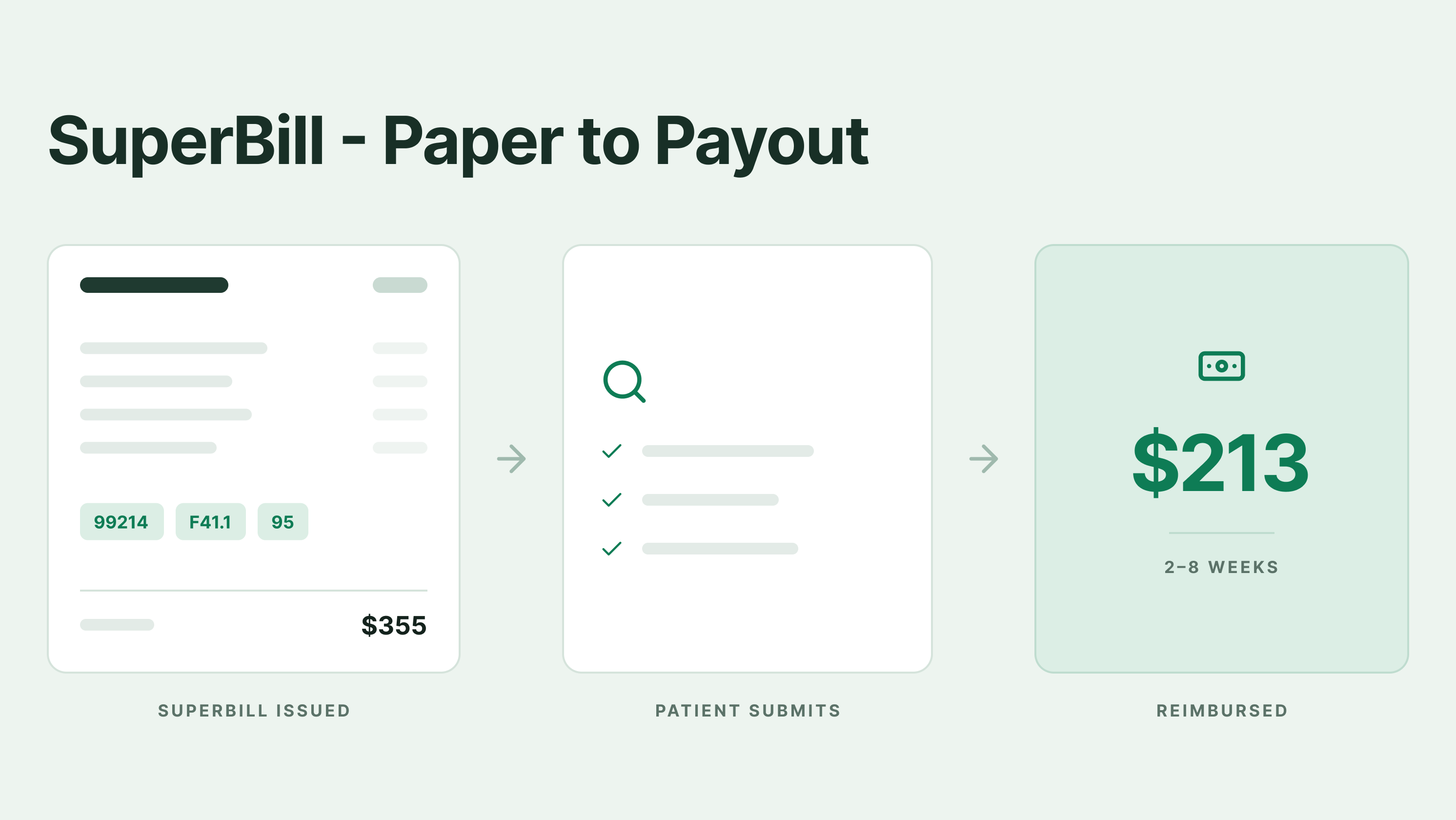
What is a Superbill? A Guide to Medical Billing, Insurance Reimbursement & Templates
Learn what a superbill is, how it works in medical billing, how to submit it for insurance reimbursement, and how to avoid common errors with a free template.
October 15, 2026
Denial Management
6 min read
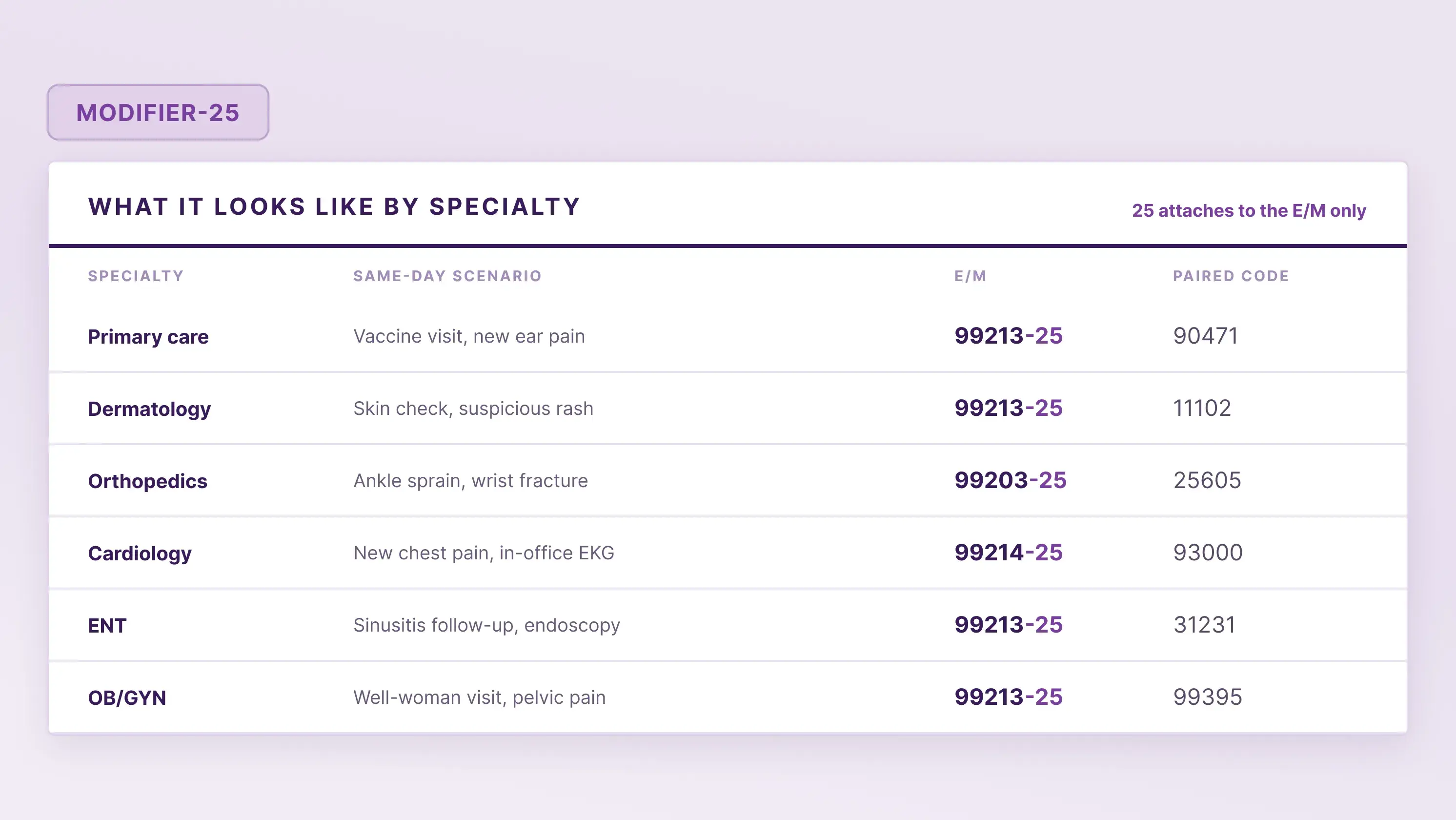
Modifier 25: When to Use It, When Not To, and How to Avoid Denials
Learn when to use Modifier 25, how to document E/M services, how to avoid claim denials, and how to appeal rejected claims through practical examples.
October 14, 2026

Tried and Trusted by Thousands of Providers