

Key Takeaways
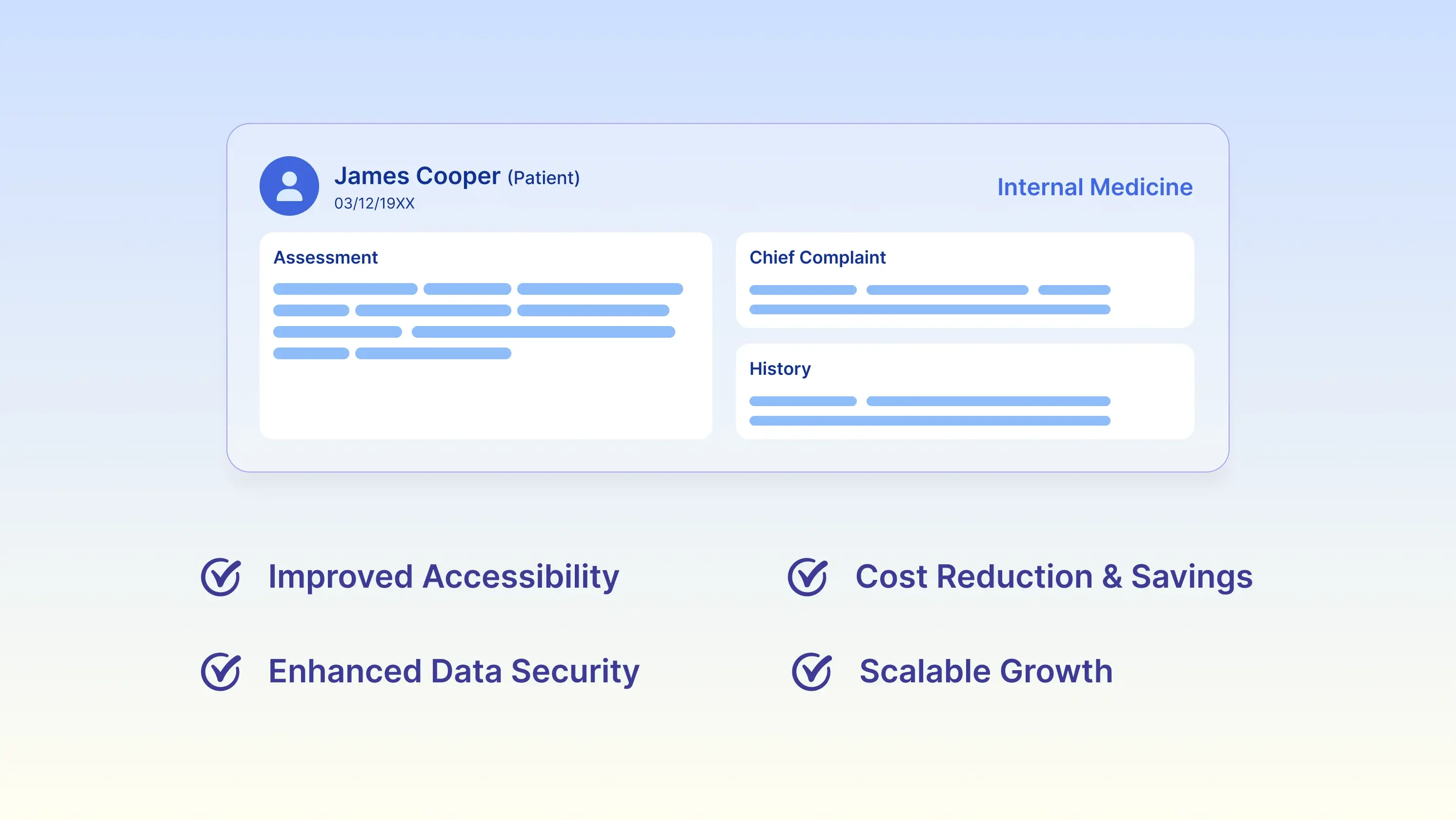
- Internists see the same patients for years, so the biggest cloud benefit is continuity: every lab, med change, and note from 2019 is one search away in 2026.
- Charts open anywhere you actually see patients, which for internal medicine usually means the clinic, the hospital, a SNF, and your kitchen table at 9PM.
- Your data lives in a monitored data center instead of a server in a supply closet, so a flood, a break-in, or a dead hard drive doesn't take the practice offline.
- Chronic care management, Annual Wellness Visits, and accurate E/M capture become easier when the documentation and billing are in the same system.
- There's nothing to install and nothing to upgrade, which matters a lot when your "IT department" is the office manager and a nephew who's good with computers.
Internal medicine is a long game. You meet a 52-year-old with borderline A1c and prediabetes, and if things go the way they usually go, you're still managing that patient at 71 with heart failure, CKD stage 3, and eleven active medications. Twenty years of labs. Hundreds of visits. Dozens of specialist letters.
That's the workload an internal medicine EHR actually has to carry, and it's why the server-in-the-closet model ages so badly. On-premise systems were built around a single office with a single set of computers. Internal medicine stopped working that way a long time ago.
So here are the benefits of a cloud-based EHR that actually show up in an internal medicine practice.
-
Charts Open Wherever You're Seeing Patients
Very few internists spend the whole week in one exam room. You round at the hospital on Tuesday, cover a skilled nursing facility on Thursday afternoon, take call on the weekend, and finish notes at home more nights than you'd like to admit.
With an on-premise system, all of that turns into workarounds. You scribble on a paper list at the SNF and re-enter it on Monday. You call the office to ask someone to look up a med. You drive back in because a hospitalist needs a med list at 7pm.
A cloud-based internal medicine EHR removes that step entirely. You sign in from a browser, the chart is there, and it's the same chart your MA is looking at back in the clinic. No VPN, no remote desktop session that drops halfway through a note.
That's not a hypothetical gain. CareMed, a multi-location primary and urgent care group, improved same-day documentation by 64% after moving to PracticeEHR, and recovered more than 120 missed appointments in the process. Different specialty, same problem and notes finished while the visit is still fresh instead of three days later from memory.
-
Twenty Years of History Stays Searchable
This is the benefit internists feel most, and vendors talk about least.
Adult primary care runs on trends. A single creatinine tells you almost nothing. Creatinine over six years tells you whether the CKD is stable or you need to call nephrology this month. The same goes for A1c, weight, blood pressure, TSH, PSA, and everything else you're tracking across a panel of adults with multiple chronic conditions.
On-premises systems struggle because history gets stranded. Data sits on the old server after a migration, or in a PDF nobody indexed, or in an archive that technically exists but takes ten minutes to open.
After a while, the staff stops looking.
Cloud systems keep the whole record live. Flowsheets consolidate years of values into a single view. Old notes come up in a search instead of a filing request. When a patient you haven't seen since 2021 walks in with new chest pain, you can see what their lipids and EKG looked like back then in about four seconds.
That continuity also protects you during chart review. If a payer or auditor asks how you arrived at a diagnosis three years ago, the reasoning is right there in the note, not in a box in storage.
-
Patient Data Survives Things Your Office Doesn't
Every practice with an on-premise server is one bad day away from a problem. A pipe bursts. The AC fails over a long weekend, and the server cooks. Somebody clicks a link in an email, and ransomware encrypts the drive.
Cloud-based EHRs move that risk somewhere better equipped to handle it. Patient data is encrypted in transit and at rest, continuously backed up, and stored in facilities with redundant power and monitoring. Security patches are applied centrally rather than waiting for someone to notice a red icon in the system tray.
That setup also makes HIPAA compliance less of a personal project. Access logs, audit trails, user permissions, and encryption standards are maintained as part of the platform and are updated as requirements change.
To be clear, this doesn't make you compliant. You still own your policies, your training, and your BAAs. What it does is take the technical half off your desk, which for a practice whose closest thing to an IT department is an office manager wearing four other hats is most of the problem.
-
Labs, Specialists, and Pharmacies Connect to the Chart
Internal medicine is as much a coordination specialty as a clinical one. A typical week involves lab orders and results, cardiology and endocrinology referrals, prior auths, pharmacy refill requests, and hospital discharge summaries that need to be reconciled.
When those pieces fall outside the chart, they become stacks. Faxes waiting to be scanned. Results sit in a folder until someone routes them. Discharge meds that don't get reconciled until the patient's next visit, which is exactly when readmissions happen.
Cloud EHRs handle this better because they're already connected to outside systems by design. Lab results file into the right chart automatically. E-prescribing and refill requests run through the same interface. Referral letters and specialist notes are attached to the patient record rather than shared on a drive.
Fewer things fall through, in other words. Which matters more here than it would in a lower-acuity specialty, since the thing falling through is usually an abnormal result on an 80-year-old with five comorbidities.
-
Medicare Revenue Stops Leaking
Internal medicine panels tend to be older, which means Medicare is usually the largest payer. It also means a large share of legitimate revenue is tied to services that are easy to under-document, such as chronic care management, Annual Wellness Visits, transitional care management, and E/M levels that reflect the actual complexity of a multimorbid visit.
Most of that revenue is lost due to documentation issues, not clinical ones. The CCM time was spent but never logged. The AWV happened but the required elements weren't captured in a billable format. A 45-minute visit with a patient on eleven medications got coded as a 99213 because the note didn't support anything higher.
None of that is a coding problem. The care happened. It just didn't make it onto paper in a form anyone will pay for.
A cloud-based system that puts internal medicine practice management and billing on the same platform closes most of that gap, because the documentation and the claim aren't living in separate software. Time tracking for CCM is built into the workflow. Wellness visit templates prompt for the elements CMS expects. Coding support flags when the documented complexity supports a higher level.
Claims also move faster when eligibility, scrubbing, and submission run in a single system. Denials come back into the same platform rather than into a separate portal that nobody checks.
-
The System Grows Without a Project Plan
Practices change. An EHR for internal medicine clinics has to change with changing times and needs. You bring on a nurse practitioner. A retiring internist down the road refers you to their panel. You open a second office, or start covering a nursing facility, or add telehealth for your homebound patients.
On-premises systems make each of those a small IT project. More licenses, more hardware, another install, a site visit, and a few weeks of lead time.
On the contrary, a cloud-based practice management system mostly doesn't. Adding a provider is a login. Adding a location is a setting. Telehealth is already in the platform, rather than a separate tool you have to bolt on and train everyone to use.
All of this means the EHR is no longer a reason to say no. Practices do delay hires and second locations over this, sometimes for a full quarter, because nobody wants to deal with the software side of it. That's a terrible reason to leave a decision sitting.
-
Upgrades Happen Without You Scheduling Them
This one is minor on any given Tuesday. It just compounds over time. For practice managers, a cloud EHR removes the upgrade calendar entirely.
On-premises EHRs have a version that drifts out of date, and eventually, you're in a conversation about upgrade windows, downtime, and the cost. There's no version in the cloud. Regulatory updates, code set changes, and security patches arrive on their own. October rolls around, ICD-10 updates, and you find out because a code looks different, not because you scheduled a weekend for it.
What This Looks Like in Practice
The best EHR for internal medicine practices has to carry specific demands, such as long patient relationships, complex comorbidity, heavy lab dependence, Medicare-weighted revenue, and care that happens in more than one building. Cloud-based systems fit that shape better than on-premise ones, and the difference compounds over the years you'll spend with the same panel.
That's the argument. Here's what it sounds like from a practice that made the switch:
“We have been using PracticeEHR since January 2016 and are very happy with the program. PracticeEHR has enabled us to capture all patient information and billing we may have missed in the past. It has eliminated large amounts of time-consuming paperwork, and it has given me greater control over the practice.”
Ellen Sue Ginsberg, D.O., P.C.
PracticeEHR holds a 4.3 out of 5 rating across 80 verified reviews on Capterra and was named to the Capterra Shortlist 2026 for Electronic Medical Records, a ranking built from verified user ratings rather than vendor submissions.
Book a demo and see what it looks like with your own workflows.

.svg)
