
Key Takeaways
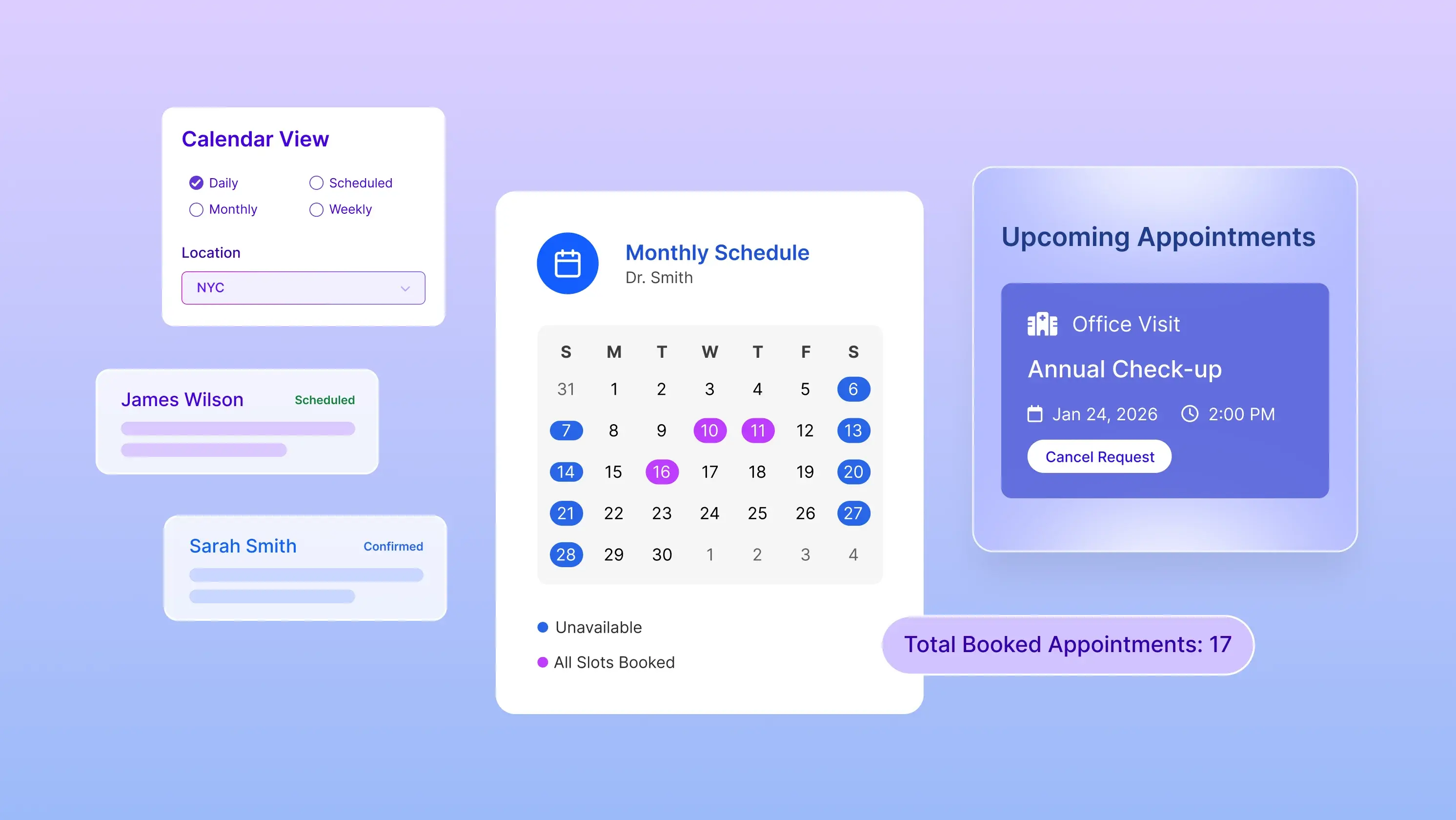
- EHR scheduling streamlines the scheduling process by connecting the appointments with the doctor’s availability.
- Features like telehealth integration, recurring appointments, a nd automated reminders reduce patient no-shows.
- Smart scheduling tools help practices save time, optimize staff resources, and deliver a better patient experience.
In modern healthcare, efficient time management is crucial for success and the best healthcare. One of the most significant technological advancements in recent years has been the introduction of Electronic Health Record (EHR) systems.
These systems have revolutionized how medical practices manage daily operations, especially when scheduling appointments. Proper EHR scheduling elevates patient care and streamlines the practice's workflow.
Efficient scheduling serves as the backbone of healthcare operations. Every aspect of healthcare delivery relies on a well-structured scheduling system, from appointment bookings to resource allocation.
What is EHR Scheduling?
EHR scheduling is an in-built function in the Electronic Health Record (EHR) systems that allows healthcare providers to schedule, reschedule, and manage appointments. Unlike a normal calendar, EHR appointment scheduling systems are directly connected to patient records and physicians' availability.
For instance, when a patient schedules a medical appointment, the scheduling system automatically accesses the patient's information and medical history. Such an integration improves patient scheduling with EHR.
A 2024 study published in JMIR Publications on EHR-integrated scheduling shows that digital scheduling reduces front-desk workload and enhances workflow and patient experience.
9 Must-Have Features of an EHR Scheduling System
The EHR scheduling system is more than a blessing for most modern medical practices. The system has alleviated a major chunk of the workload from the physicians. Some of its features include:
1. Calendar Integration & Sync
As a healthcare provider, you need a source that keeps you updated with accurate information. EHR calendar integration automatically syncs the appointments scheduled in your EHRs, practice management software, and other calendars.
The synchronization reduces errors or double booking, giving your team information about the doctor's availability.
2. Automated Reminders (Text, Email, Voicemail)
Missed appointments cost a lot for the practice. It negatively impacts workflow efficiency and revenue. To avoid such a situation, practices send automated emails, text messages, and voicemails before the appointments, using the EHR.
As a doctor, you would face fewer no-shows and improved scheduling. Your patients also get to experience better patient engagement with their doctors.
3. Recurring Appointments
Many healthcare providers rely on patient visits for chronic care management and follow-up treatments. Recurring appointments automatically schedule the new appointments based on previous information.
You can also create the IOP group as a recurring series using the EHR's group scheduling feature. When updates are needed, edit only future occurrences or individual sessions rather than the entire series to avoid affecting past appointments and records.
4. Telehealth Integration
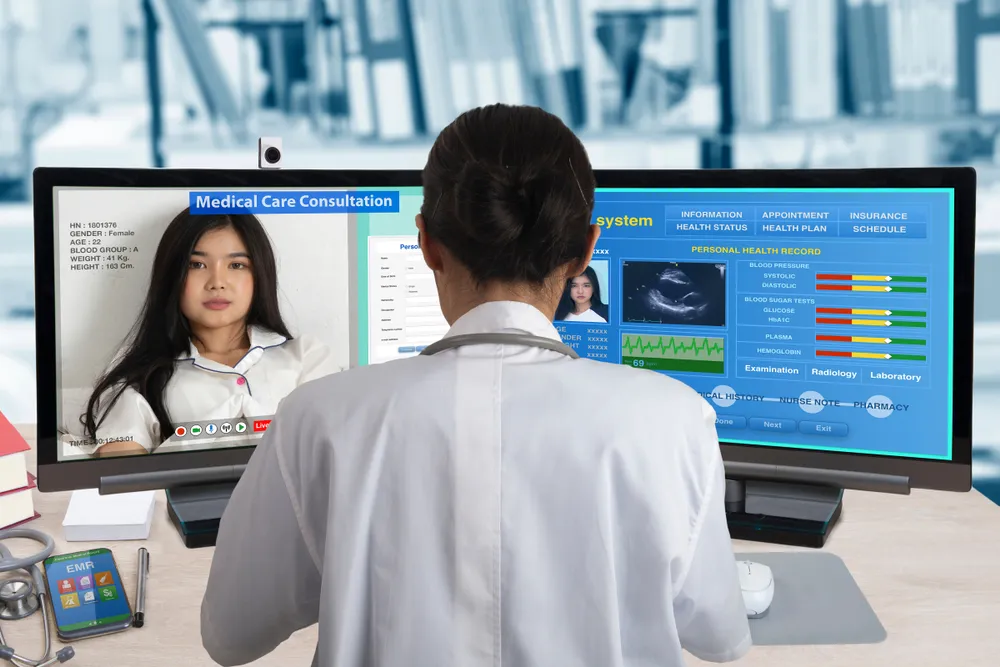
Telehealth integration has become a standard practice in modern healthcare systems. An EHR system allows you to connect with your patients virtually through patient portals. Such an integration simplifies workflow and improves accessibility.
Both doctors and physicians can experience a seamless workflow!
5. Patient Self Check-in and Kiosk
A patient kiosk allows patients to independently complete registration, verify insurance, and update medical information without relying heavily on front-desk staff. That’s Kiosk technology in EHR at work.
As a physician, this reduces front-desk congestion, wait times shrink, and improves data accuracy.
6. Real-Time Eligibility Verification
Insurance-related issues lead to claim delays and delayed reimbursements. With automated e-verification, coverage is verified automatically before the patient arrives for a visit. The system flags outdated or inactive policies well before the billing process begins.
This guarantees a smoother healthcare practice management and fewer downstream billing issues.
7. Waitlist Management
No shows create lost revenue and gaps in your EMR appointment settings. Waitlist management is designed to automatically notify the eligible patient of their upcoming available appointments.
This feature helps keep your calendar full and improves patient access to care. It maximizes provider productivity without manual outreach.
8. AI Agents for Missed Calls
Managing scheduling, rescheduling, and cancellations is not an easy task, especially for small practices with limited staff. The continuous juggling between screens and phone calls leads to distress, exhaustion, and eventually physician burnout.
To avoid such chaotic situations, small practices are integrating AI agents. These are the calling agents who handle scheduling, rescheduling, and cancellation of appointments on behalf of the front desk.
Common Challenges and Solutions in EHR Scheduling
Every practice faces several challenges with time management, but staff scheduling features in EHRs are the solution to most of these time management-related problems. Here are some common problems encountered and how EHR scheduling is the solution.
Overcoming Technical Difficulties
Investing in training and support can significantly mitigate the technical hurdles associated with EHR systems.
Managing Patient No-Shows and Cancellations
By implementing reminder systems, accommodating flexible scheduling, and analyzing patterns, practices can minimize the impact of no-shows and cancellations.
Utilizing EHR Data for Improved Scheduling
Data analytics enable practices to adapt scheduling strategies based on patient flow insights, leading to better resource allocation and patient satisfaction.
Enhancing Patient Access and Experience
AN EHR schedule can enhance patient access and experience through online scheduling, reducing wait times and streamlining the check-in process.
Optimizing Staff Scheduling
Efficient staff scheduling is critical to the effective management of healthcare operations. EHR scheduling systems can help practices ensure optimal staff coverage and minimize overtime costs.
Incorporating Telemedicine into EHR Scheduling
Telemedicine appointments can further enhance patient care and convenience while effectively utilizing resources. Incorporating telemedicine appointments into EHR scheduling systems can help practices optimize patient access and reduce costs.
Ensuring Compliance with Regulatory Requirements
EHR scheduling systems must comply with regulatory requirements such as HIPAA and HITECH. Practices must ensure their EHR scheduling systems comply with these requirements to ensure they don't get penalties for violations and maintain patient trust.
Key Strategies for EHR Scheduling
Some key strategies for EHR Scheduling are following:
Prioritizing Appointments
Strategic appointment prioritization allows for the balancing of urgent needs with routine care. Practices can better manage patient flow by classifying visit types and leveraging EHR capabilities.
Streamlining Follow-Ups
Effective EMR scheduling also includes seamlessly integrating follow-up appointments, maintaining continuity of care, and ensuring optimal patient health outcomes.
Empower Your Practices with EHR Scheduling
EHR scheduling integration is a game-changer in modern healthcare. Streamlining the appointment scheduling process and improving patient care, EHRs help medical professionals manage their time and resources effectively, ultimately leading to better patient and healthcare provider outcomes.
Embracing EHR scheduling is not merely about adopting new technology but enhancing healthcare delivery. By thoughtfully implementing the right strategy, PracticeEHR provides physicians with an EHR scheduling system that can improve time management and patient care.
Efficient EHR scheduling can help practices achieve their goals while providing optimal patient care and experience!
FAQ

.svg)
